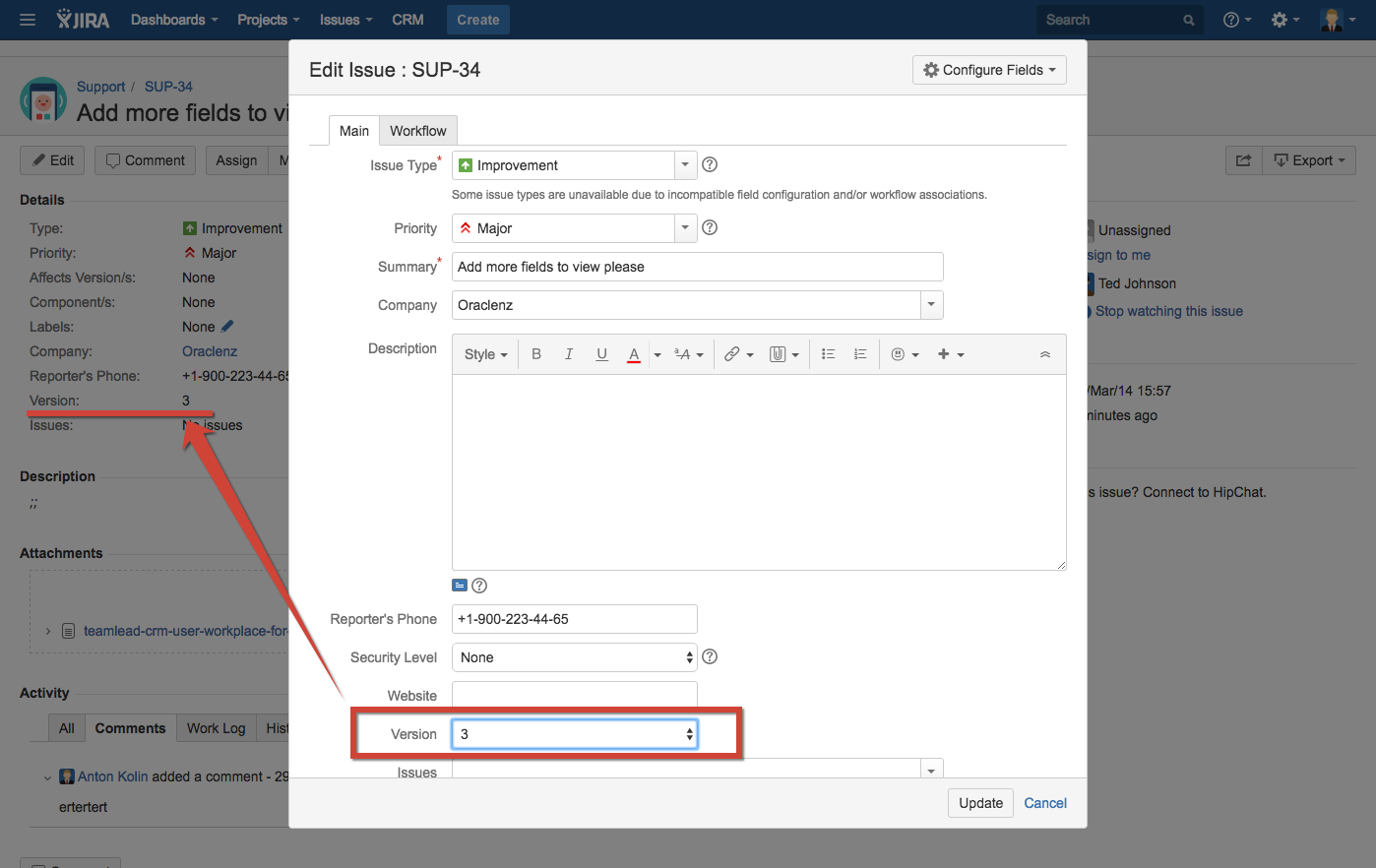
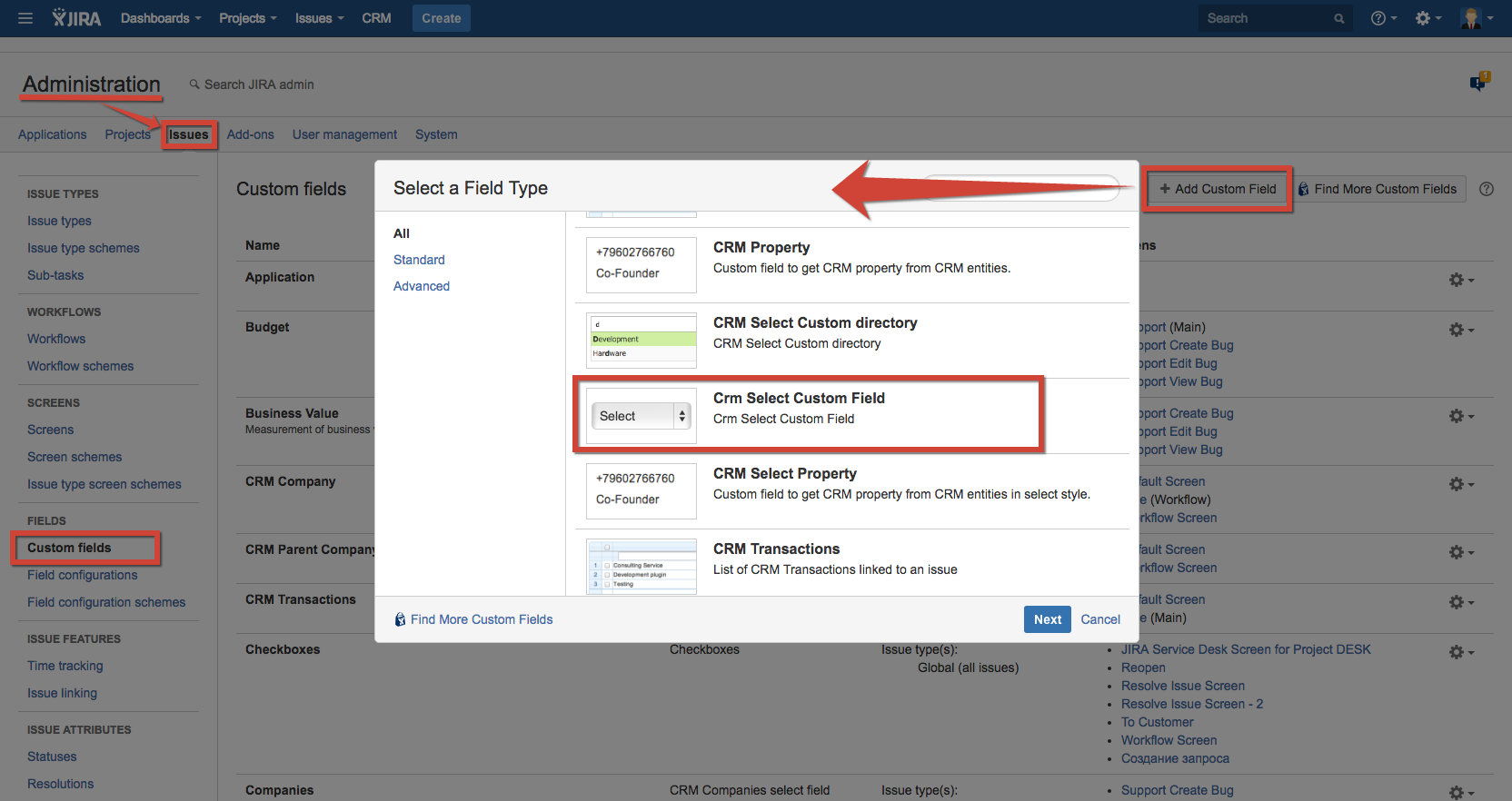
You can set CRM Select Custom Field in Administration menu/ Issues/ Custom fields. Click on "Add Custom Field" and select CRM Select Custom Field type:
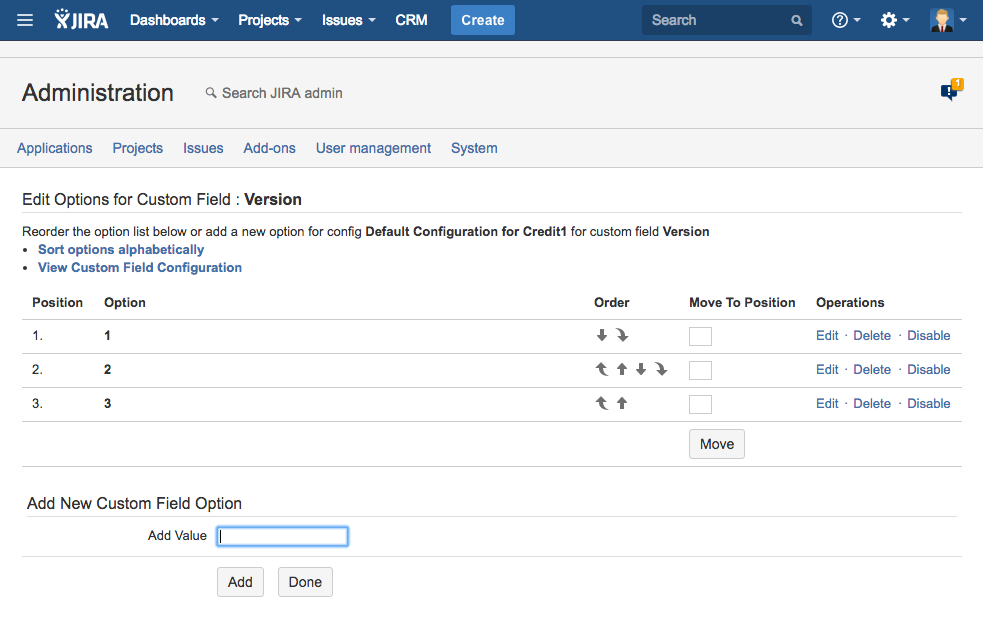
Choose needed screens to show your custom field and add options to be displayed in drop down list: