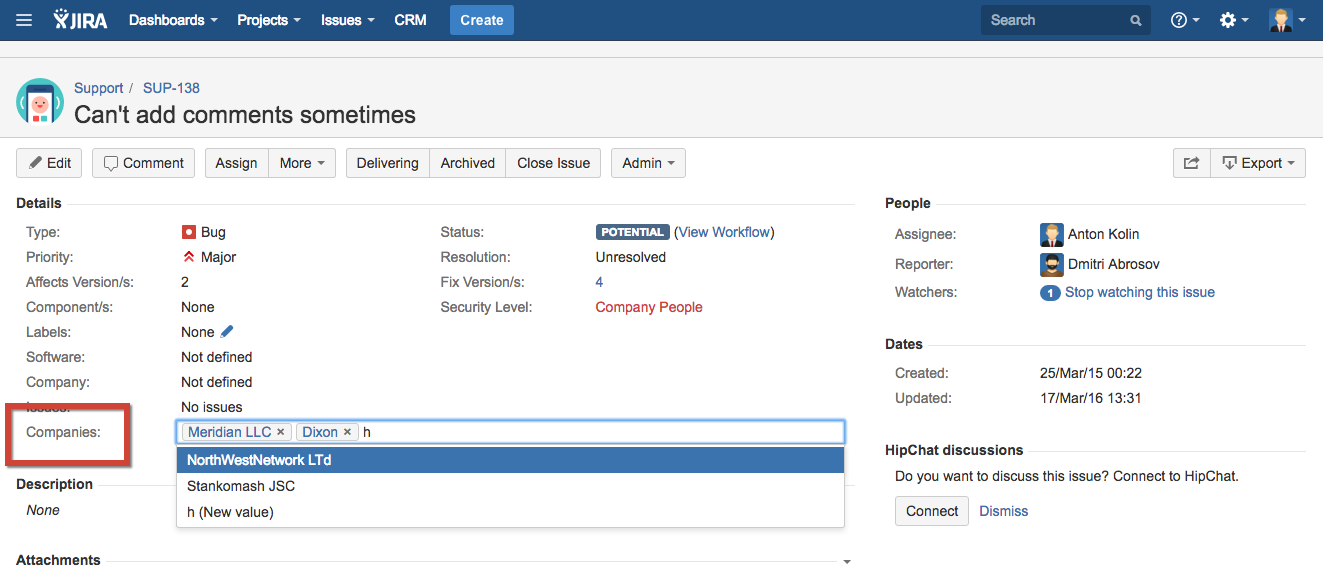
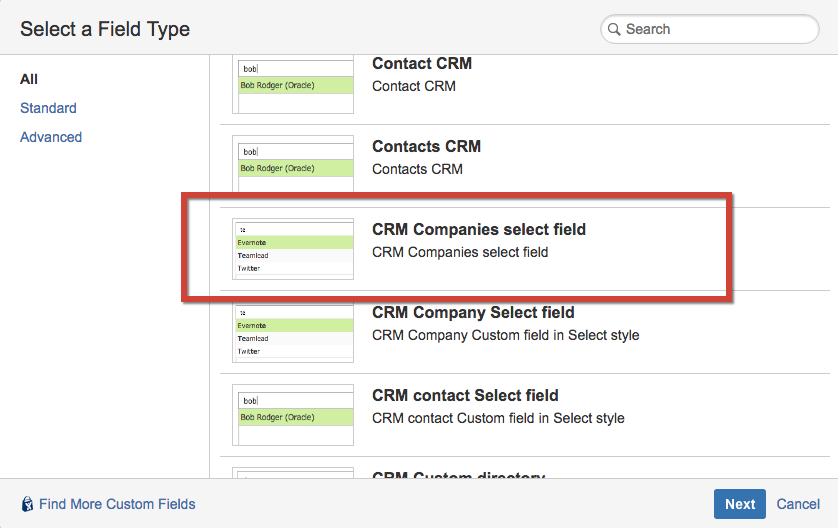
You can display several CRM Companies in the issue in the custom field type "CRM Companies Select field".
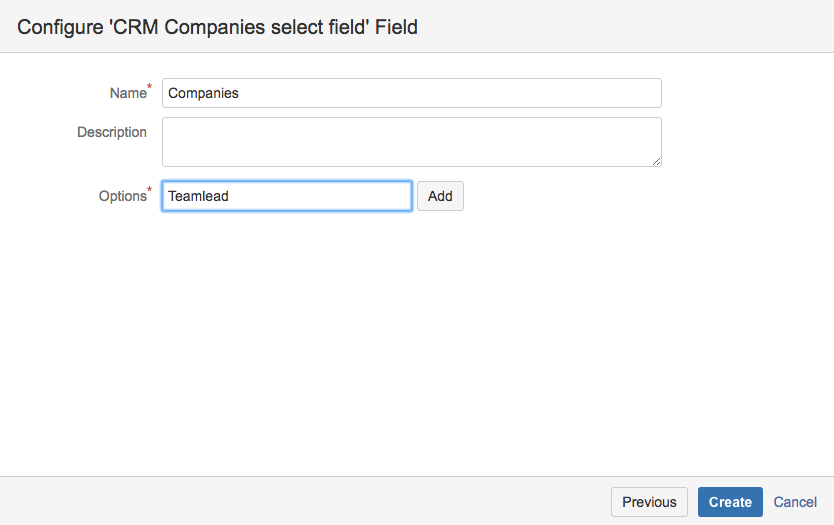
Enter the name of field and add at least 1 company name in Options field:
Create field, select the screens you need the field to be displayed then press Configure:
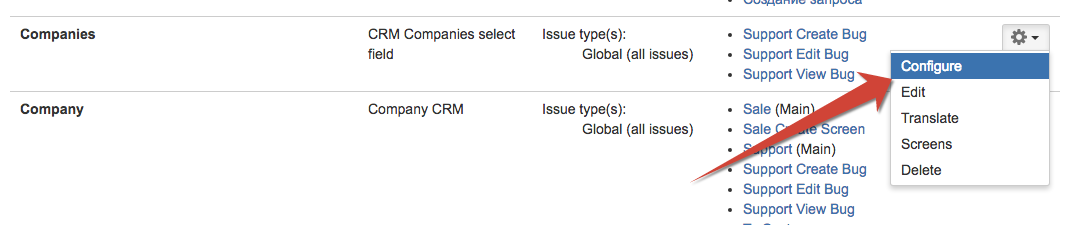
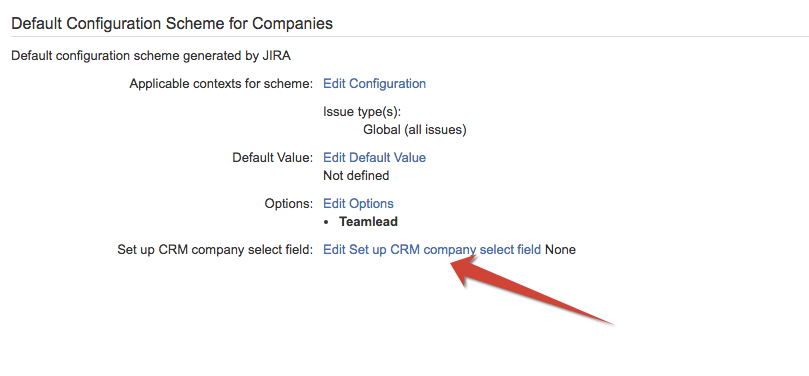
And click on Edit Set up CRM company select field and press on Import records from CRM directory:

Now you can choose companies from CRM directory in Companies: