
Overview
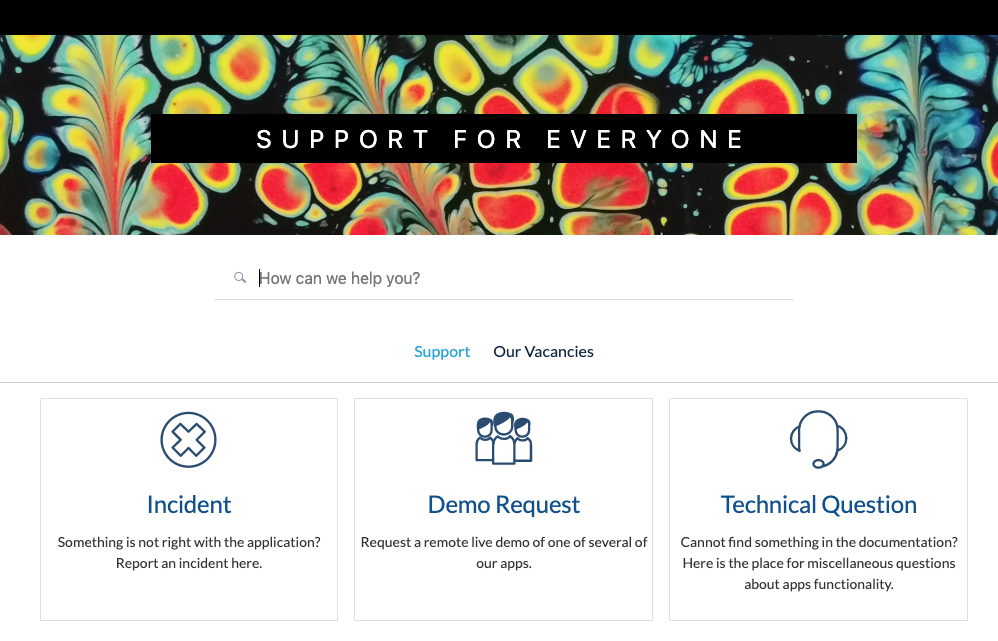
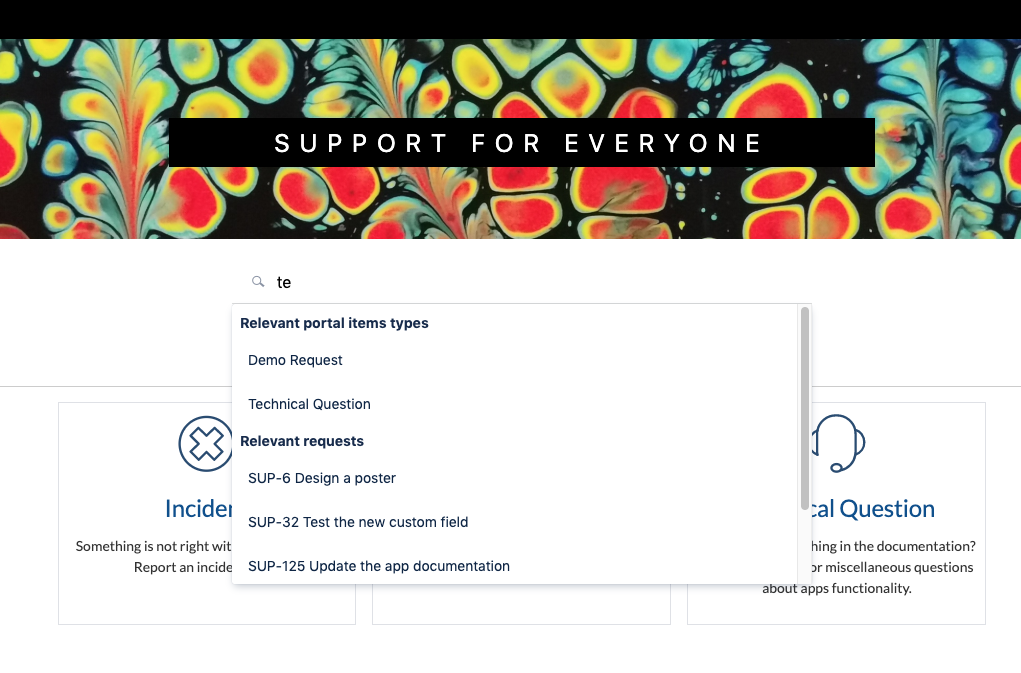
One of the essential features of the Portal is the ability of your customers to find relevant information by themselves. The Portal provides you a search section that will show a user the relevant:
-
existing requests
-
request types within the portal
-
Confluence pages (if the Confluence is connected)
Setting Up
The portal search cannot be set up in the current version (upcoming: flexible settings!).
It works now as the following:
-
for the existing requests – searching by issue summary within all issues available for the current user;
-
for the portal request types – searching by the request name and description within all request types available for the current user;
-
for the confluence pages – searching by the page names and labels within all pages available for the current user.
5 results of each kind are shown (upcoming: all results sorted by relevance).