
The portals are not preset, so you will need to create them almost from scratch. The following are the basic parameters.
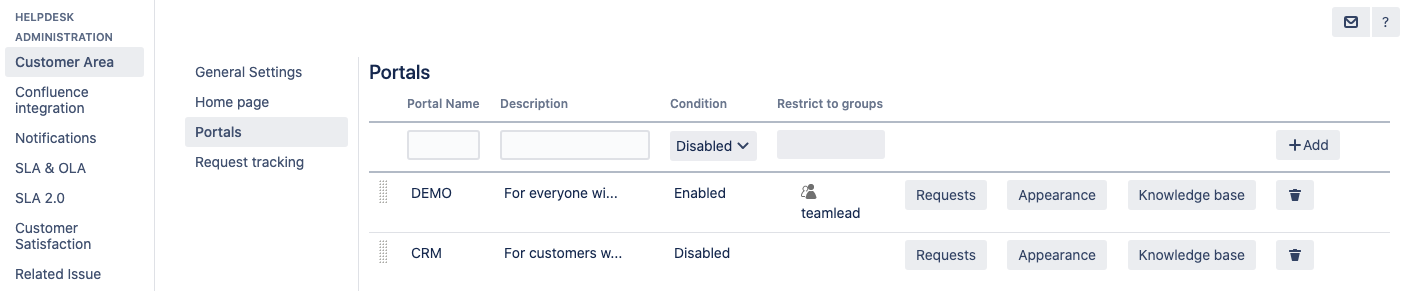
Name
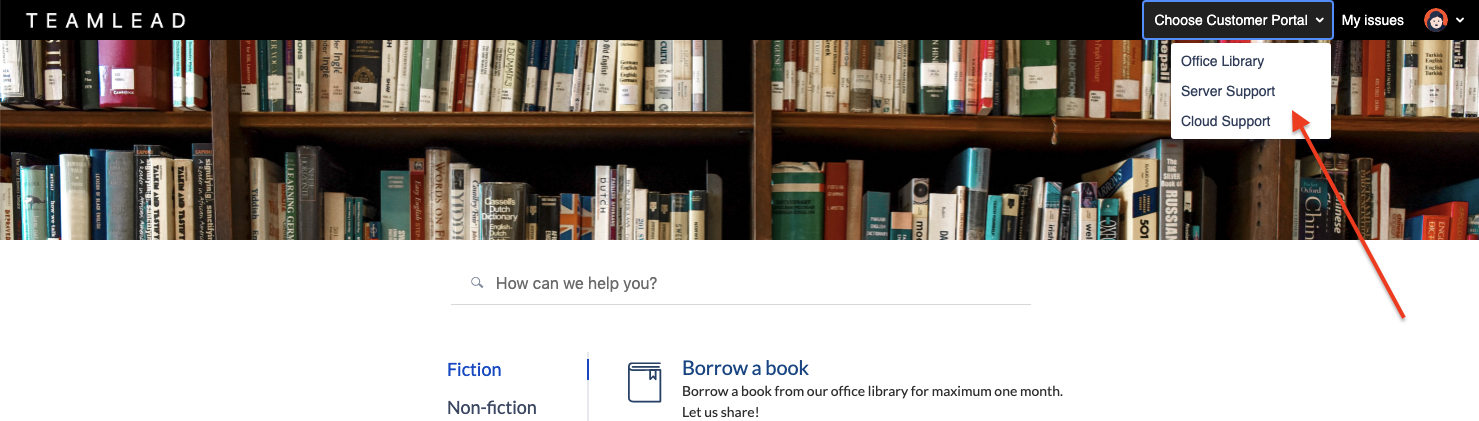
Portal name will be displayed in the select list of the available portals:
Description
The portal description is a field for up to 80 symbols for describing your portal. The only place it will be displayed is the Home Page that contains the list of enabled portals (their names and descriptions).
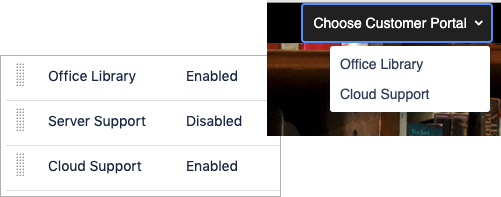
Condition
Condition is basically the availability of the portal in the Customer Area. The disabled portal won't be displayed in the list of available portals.
Restrict to groups
You can restrict a particular portal to groups of users. Otherwise, the portal will be visible to everyone with access to the Customer Area.