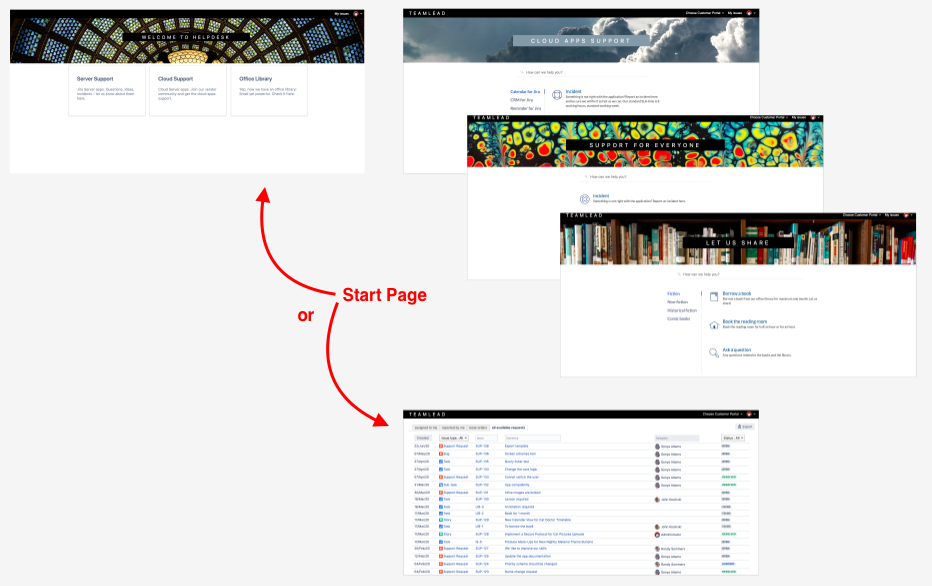
Customer Area consists of:
-
A page where customers can create new requests – Customer Portal. You can use zero, one or multiple Portals.
-
A page where customers can track existing requests – 'My Issues' section.
-
A page containing the list of portals – Home Page (List of Portals).
-
A customer profile page.
Any of these pages can be selected as a start page of the Customer Area.
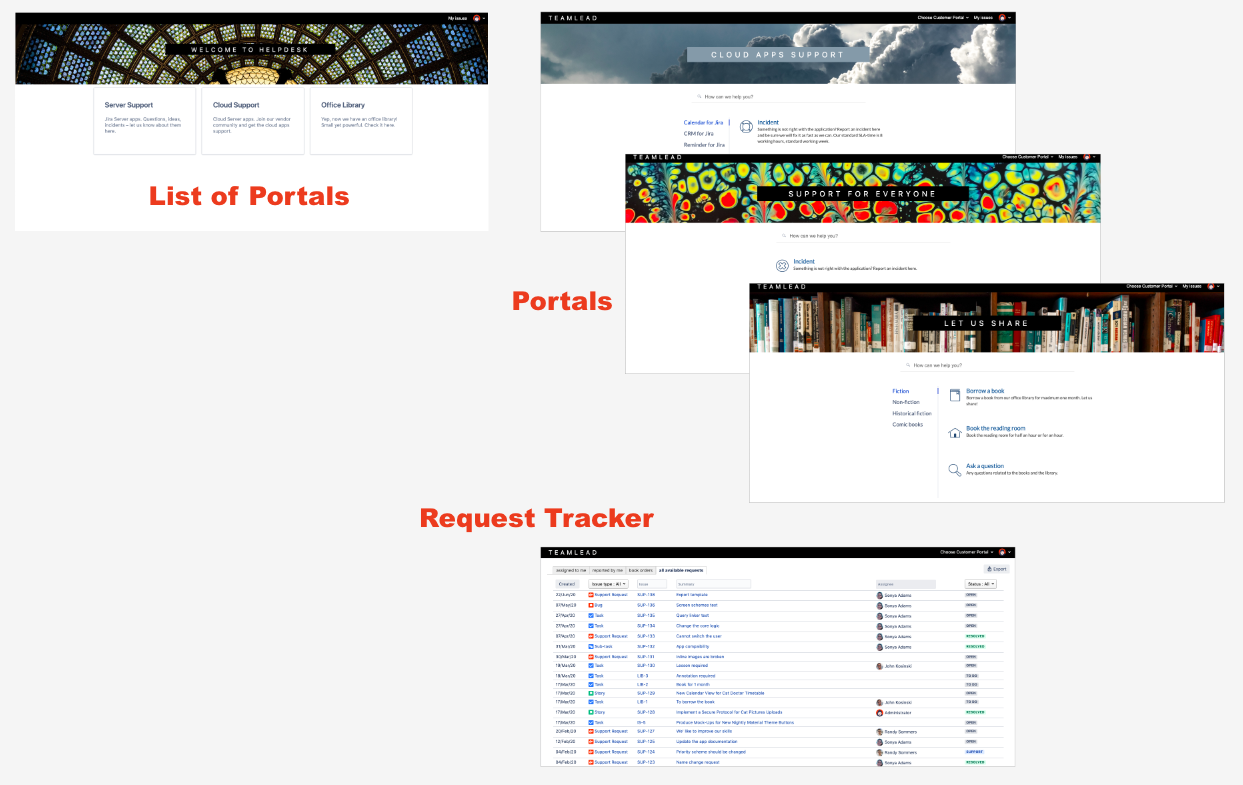
According to your needs, you can use different combinations of available pages.
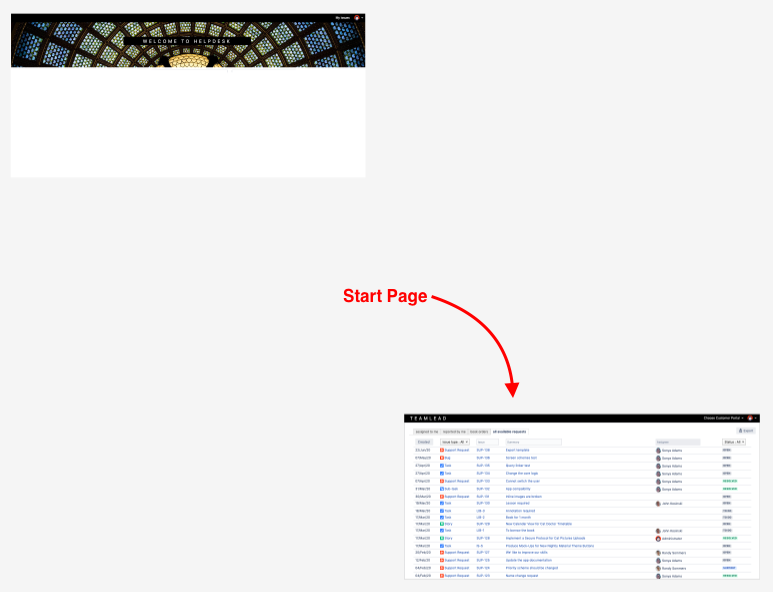
Use Case 1. No request creating, just tracking of available requests
-
No portals created
-
HelpDesk start page = List of Issues
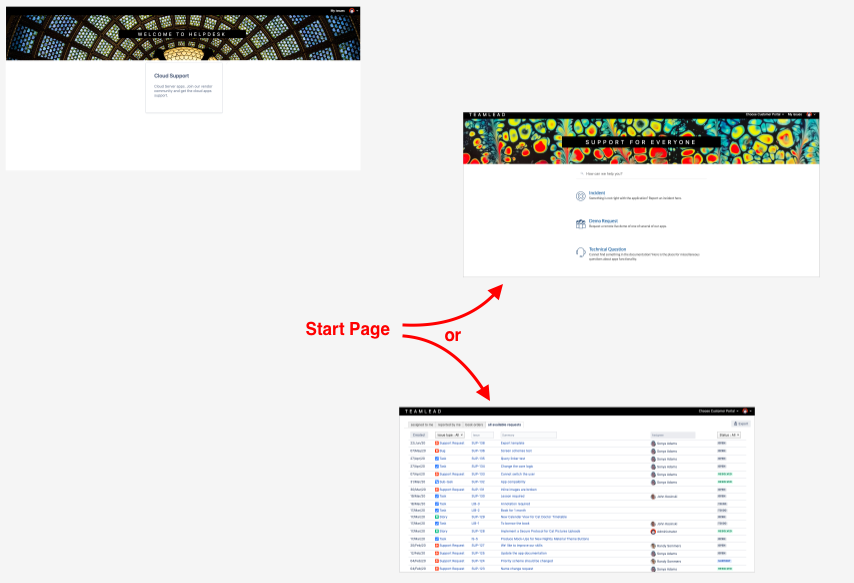
Use Case 2. One portal
-
One portal created
-
HelpDesk start page = Portal / List of Issues
Use Case 3. Multiple portals
-
Multiple portals created
-
HelpDesk start page = Hom page (list of portals) / List of Issues