
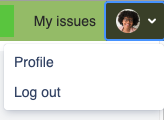
HelpDesk provides your customers with an ability to browse and manage the personal setting in their profile (right upper corner). They can change:
-
Avatar
-
Full Name
-
Email
-
Language
-
Password
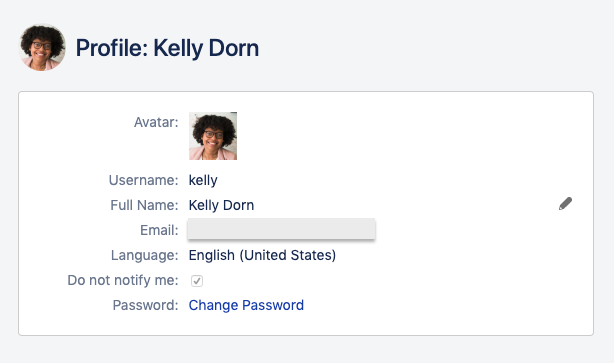
They also can restrict messages on their own action with requests by clicking the "Don not notify me" checkbox.
Profile page header and footer appearance is inherited from the first – default – portal.
We are going to change the overall customer area appearance settings to make them more user-friendly and allow you to set up different headers/footers/banners separately not only for portals but for 'global' pages as well.