
It is important to keep your calendars up to date and rid of the ones that are no longer needed or out of date.
You can delete your calendar in two ways:
-
From the right side of your screen, navigate to the Manage Calendars menu and click the trash bin icon next to the calendar's name, then confirm the deletion.

-
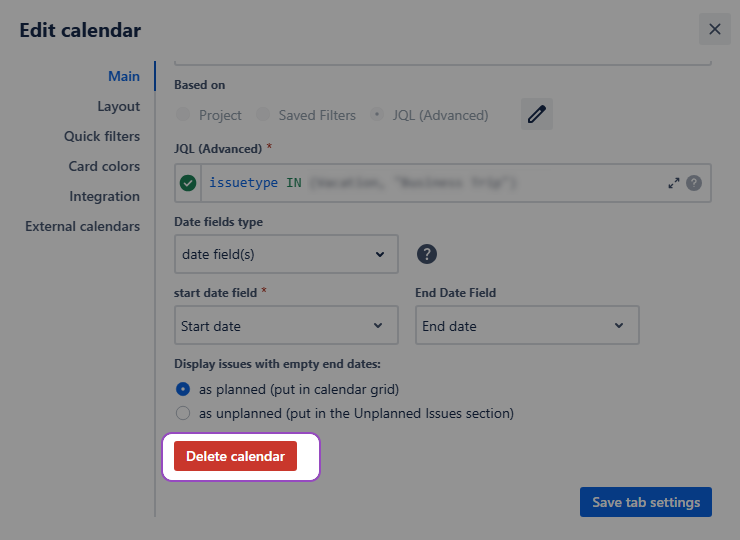
Alternatively, open your active calendar's settings, go to the Main tab, and click the Delete calendar button at the bottom, then confirm the deletion.
Warning: Deleting the calendar will also remove all associated quick filters, card colors, non-Jira events and external calendars.
Stay informed
Subscribe to get the latest updates and explore new product capabilities