
Use case description: A team is working within a sprint and needs to understand the total effort involved.
A scrum master, team lead, or delivery manager wants to see:
-
how much work was planned
-
how much time has been spent
-
how much work remains
-
how effort is distributed across all issues in the sprint
In Jira, sprint views focus on issue status and completion, but do not provide a complete picture of effort across issue hierarchies.
Calculation mode: Cumulative only.
Current Jira setup
Jira provides sprint boards and reports, but they are limited in effort analysis:
-
Sprint board: Focuses on issue status, not total effort.
-
Burndown and velocity charts: Show trends, but not detailed effort breakdown.
-
Flat issue view: Does not account for full issue hierarchies.
-
No consistent aggregation: Effort across parent and child issues is not clearly represented.
As a result, understanding total effort within a sprint requires manual analysis or external tools.
What TeamTime provides
TeamTime allows you to analyze sprint work as a complete, structured dataset.
-
Select a sprint as the report scope
-
Automatically include all issues in the sprint
-
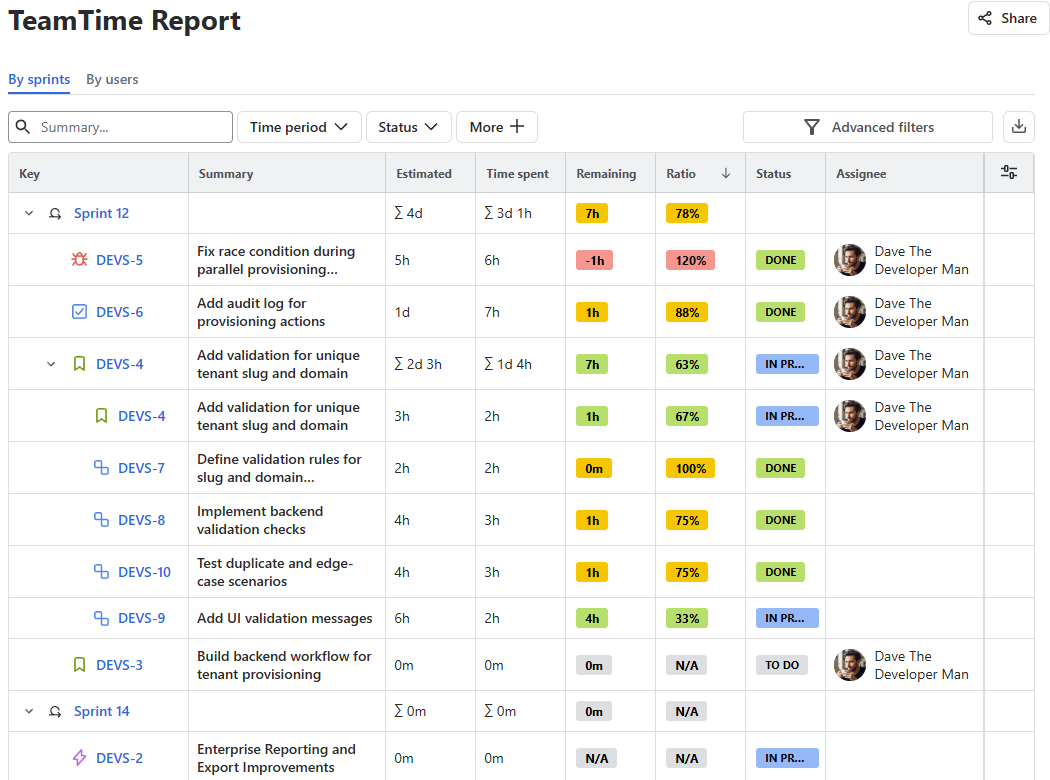
Aggregate estimates and logged time across full hierarchies
-
View remaining effort and progress ratios
-
Analyze sprint work in a detailed, hierarchical report
How it works
-
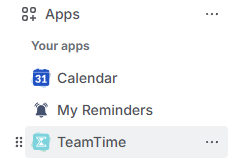
Open the TeamTime global reports page:
-
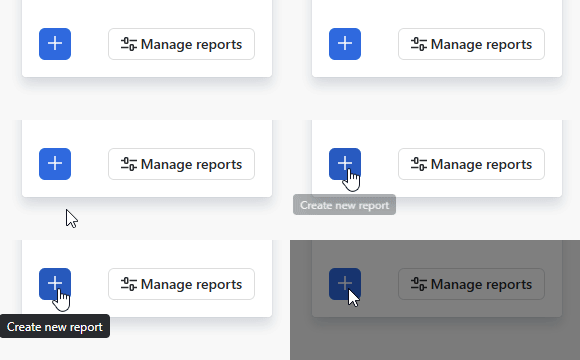
On the right side of your screen, click create report:
-
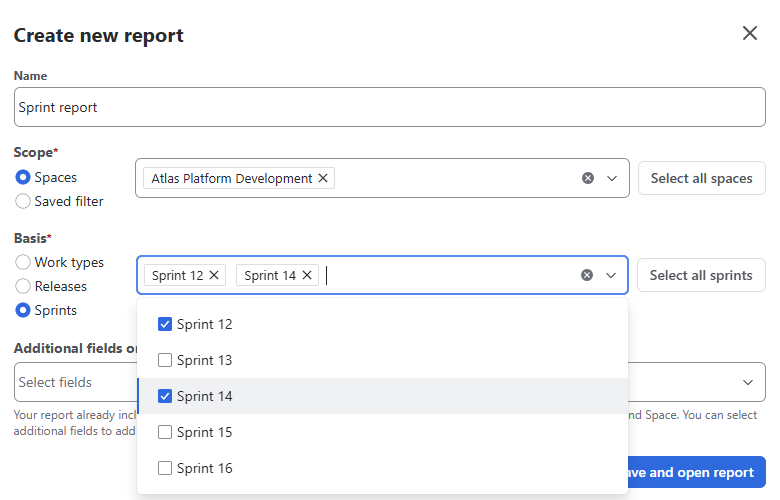
In new report configuration, choose the sprint you want to analyze as the report’s basis:
-
Save and open the report:

TeamTime automatically builds a report including all sprint work items and their related hierarchies:
Result
Teams and managers can:
-
Understand total sprint effort beyond issue counts
-
Track actual work performed, not just completion status
-
Identify imbalance or unexpected workload within the sprint.
Stay informed
Subscribe to get the latest updates and explore new product capabilities