
When Reminder for Jira app is installed, it adds custom permissions to every space in your Jira instance. These features control what functionality team members can use within a certain space.
To locate these permissions:
-
Go to Space settings.
-
Select Permissions from the sidebar.
-
Scroll down to the Issue permissions section.
Available Permissions
-
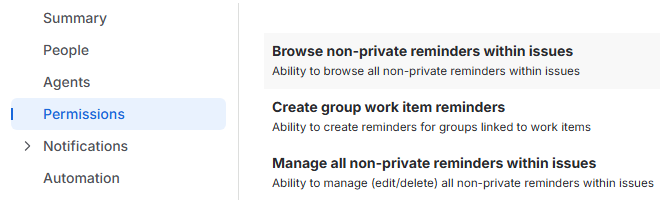
Browse non-private reminders within issues: Grants the ability to browse all non-private reminders within work items of this space.
-
Create group work item reminders: Grants the ability to create reminders for groups linked to work items.
-
Manage all non-private reminders within issues: Grants the ability to manage (edit or delete) all non-private reminders within work items.
By default, none of the users have these permissions given. Space administrator has the ability to grant these permissions within each individual space.
Stay informed
Subscribe to get the latest updates and explore new product capabilities