Calendar settings (cog) → Share
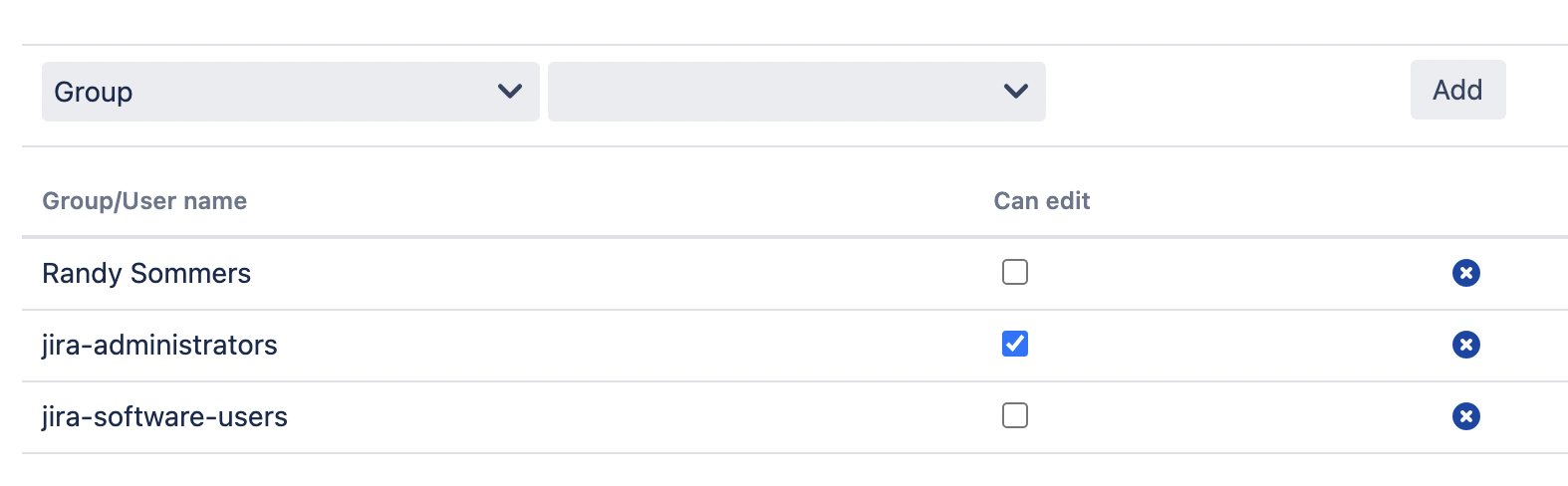
The calendar creator can share the calendar with particular groups of users. Two modes are available:
-
Use-only (browse, add events, filter etc.)
-
Use & Edit – with the ability to manage the calendar settings and delete the calendar. Sharing and name editing are unavailable.
To access a shared calendar, a user should add it to the list of their favorites.
-
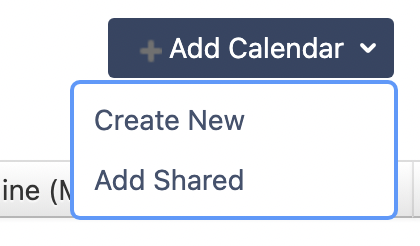
Add calendar → Add Shared
-
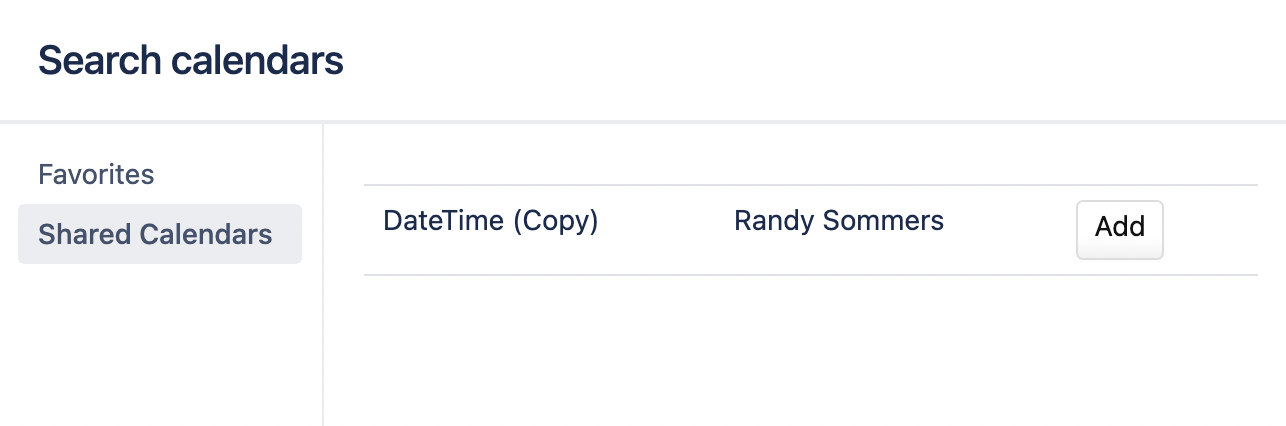
Shared calendars → Add
-
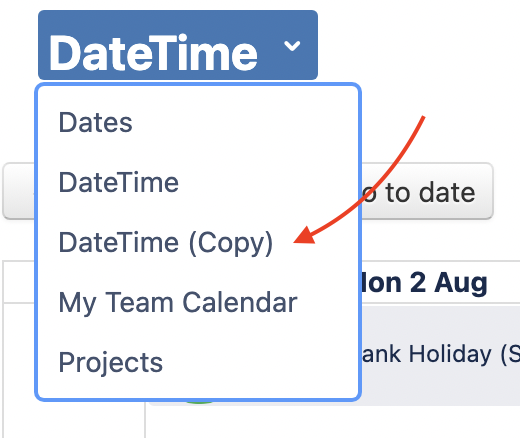
Now the shared calendar is available in the Calendar switcher menu.