
Navigate to JIRA Administration → Manage Apps → Calendar.
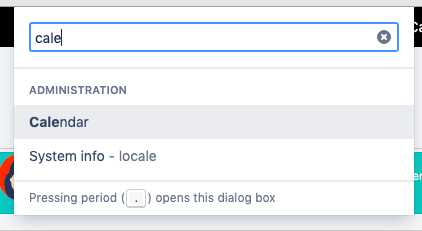
Use the GG hotkey and the app name to jump straight to app settings from any place in Jira
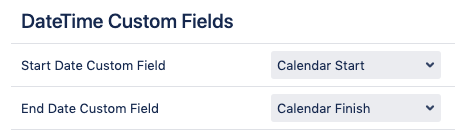
Each calendar entry should have a start date&time and end date&time to be displayed within a calendar view. This global setting allows you to select the pair of fields with Date Picker or Date-Time Picker type as the default options that will be suggested to a user during a new calendar creation. Adding these fields to issue screens is not necessary.
Read: Adding a custom field (Atlassian).
Date Pickers or Date-Time Pickers?
Selecting of Date Pickers will set your issue for the full day within a calendar while Date-Time Pickers will allow you to put issues within precise time frames.