
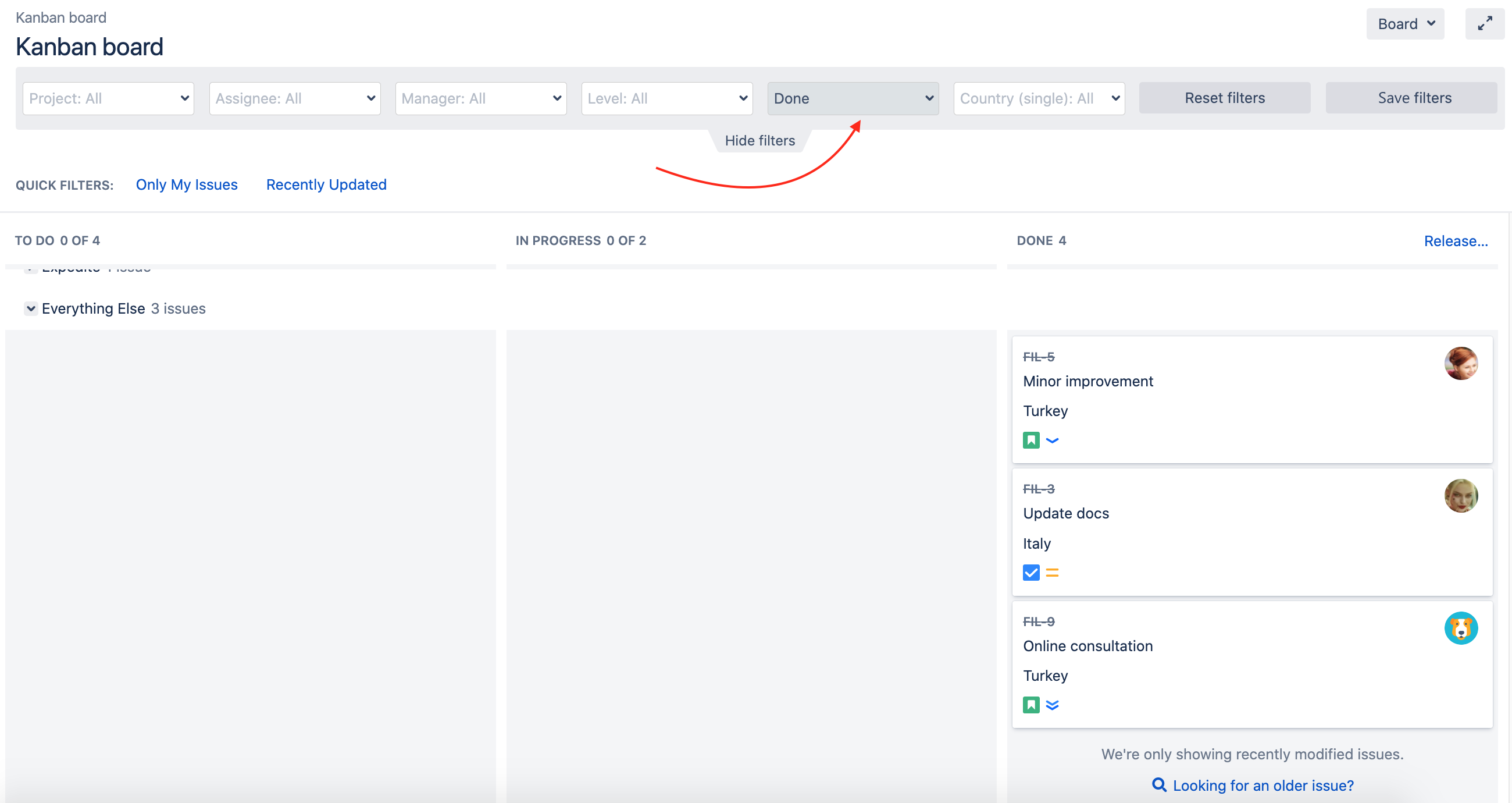
Let's try it. For example we need to filter issues by status and assignee. Click on the "Assignee" field and choose a person in the drop-down menu and select required "Status".
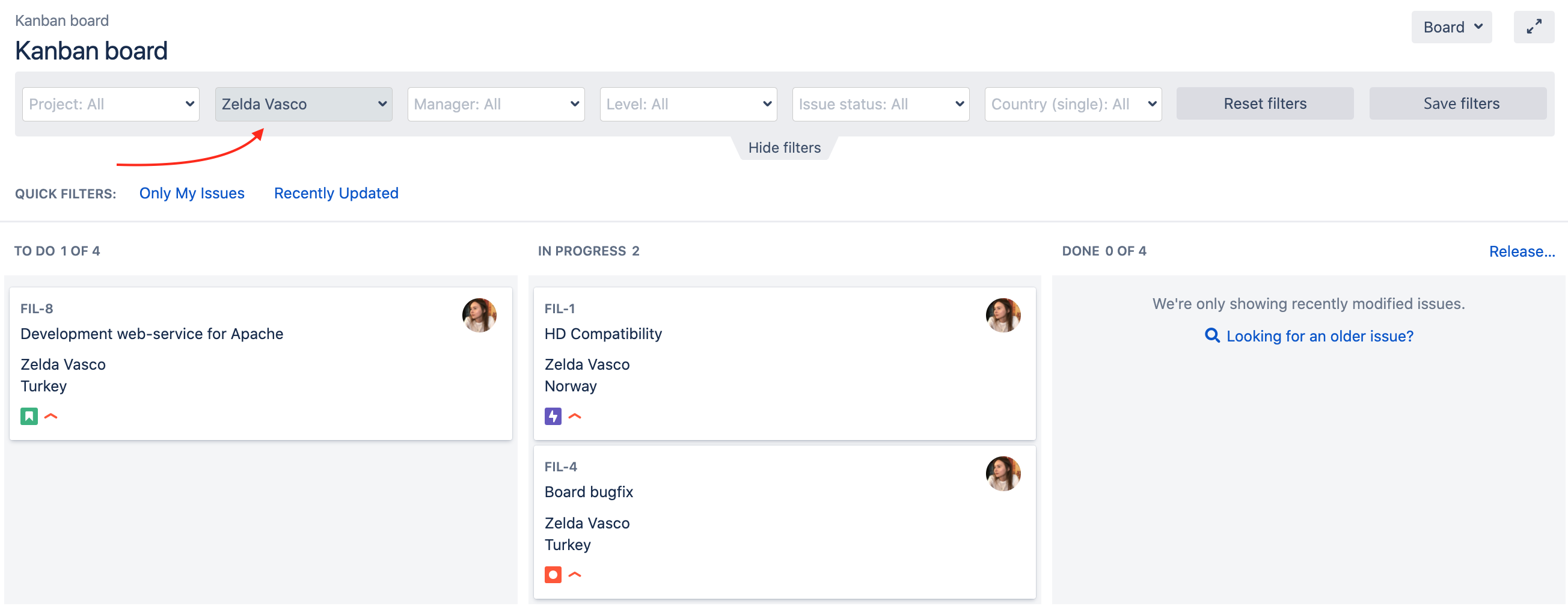
As you can see issues sorted out by assigner and status.
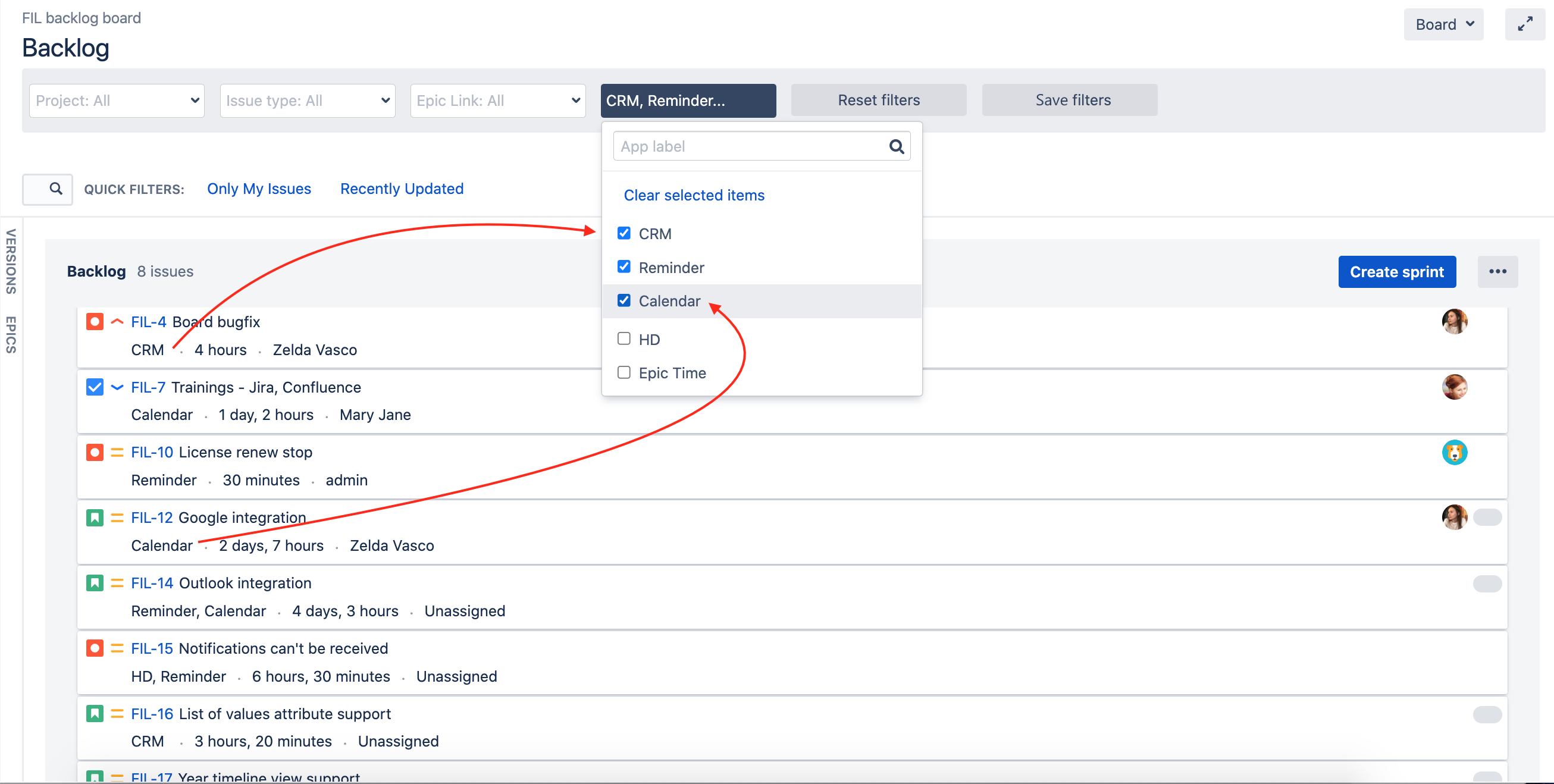
Also filters are applied to the Backlog if you use Scrum Board
If you anticipate using filters multiple times, you have the option to save them for future use. Simply click the "Save filters" button, assign a name to the chosen filters, provide an optional description, and you're good to go!
Saved filters will appear at the top of the panel and can be chosen if needed.

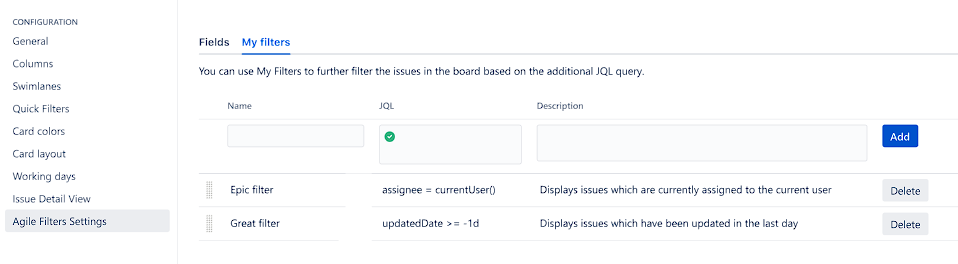
You can configure your Saved filters:
Go to Board -> Configure -> Agile Filters Settings -> My filters (Tab)
In this section you have the option to Add, Edit or Delete saved filters.
Note that in this menu you can refine JQL query to your needs
We always opened for any feedback and if you have any compatibility issues or improvement ideas feel free to contact us.