Filters are not applied by default.
Install the add-on and set up filters for the boards:
-
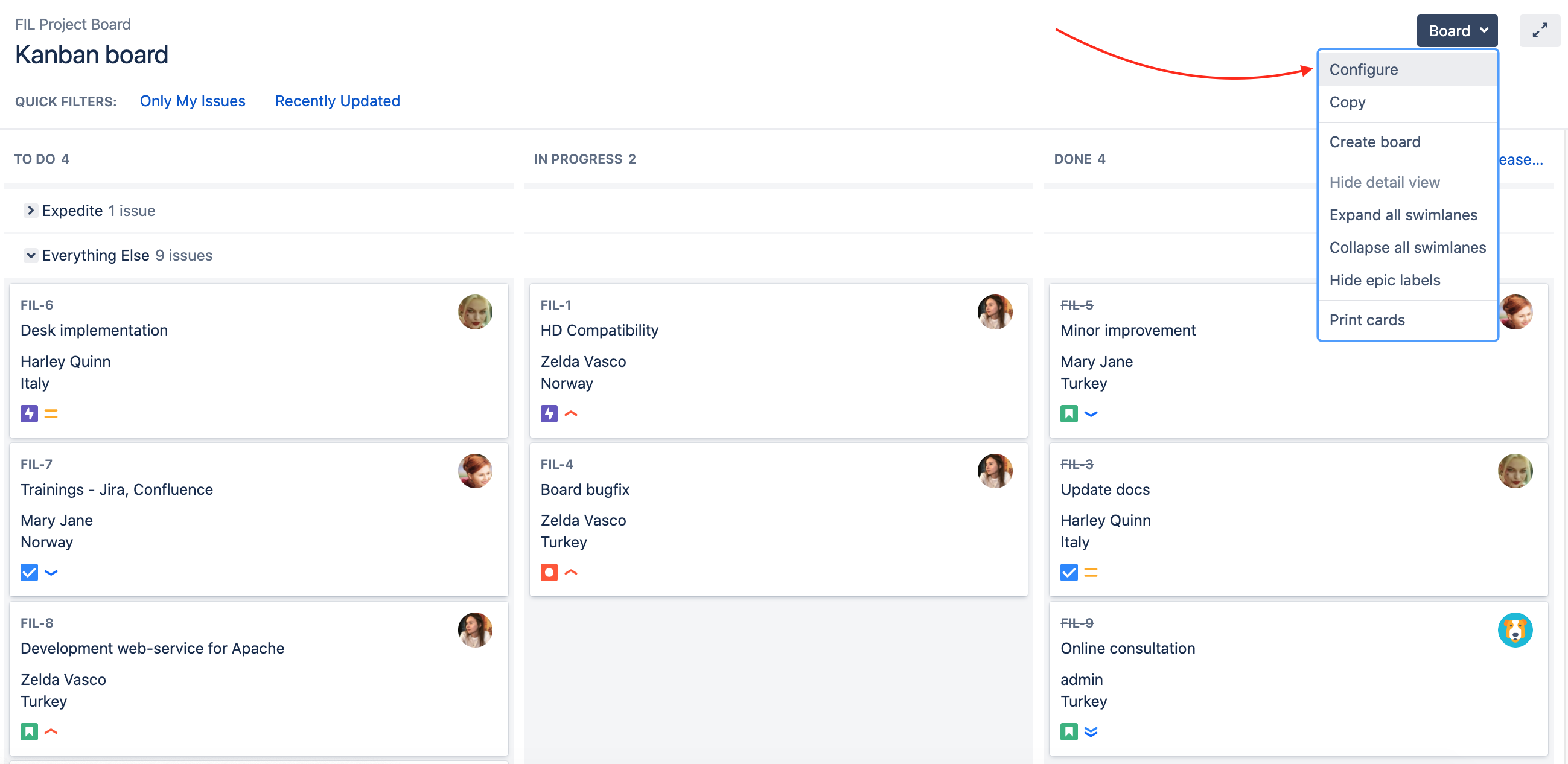
Proceed to your Kanban/Scrum board;
-
Go to Board Configure;
-
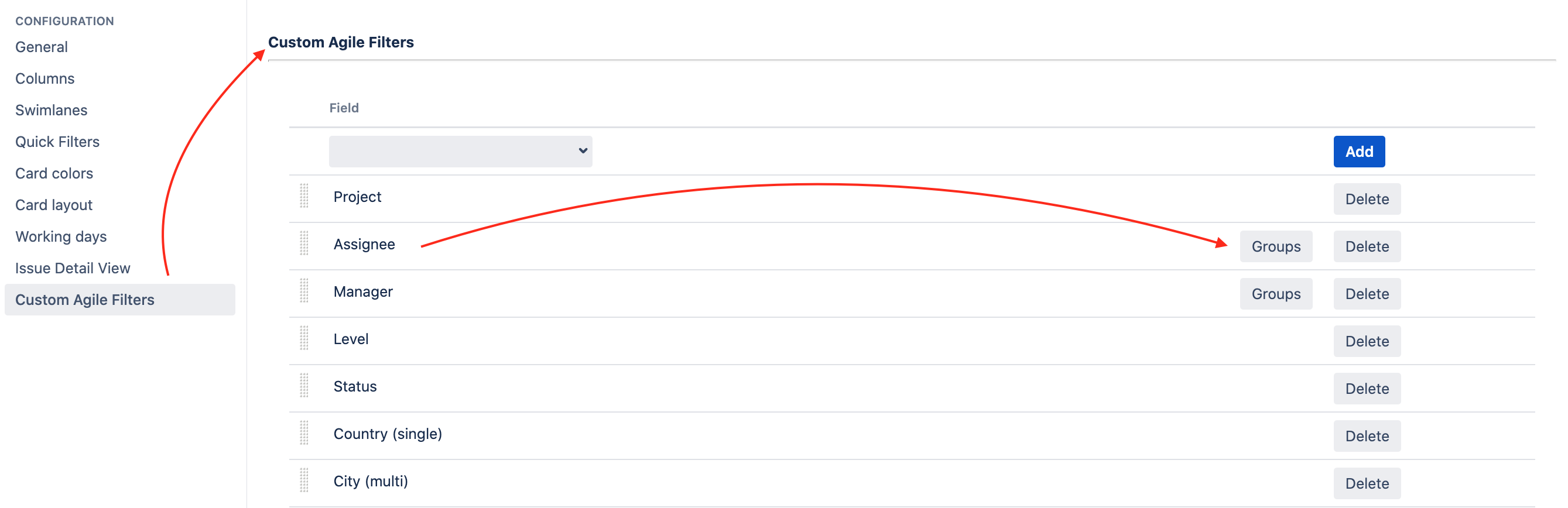
Choose the Custom Agile Filters tab;
-
Add several parameters
After everything is set-up just proceed to your board panel. As you can see all of the filters were added over your board.
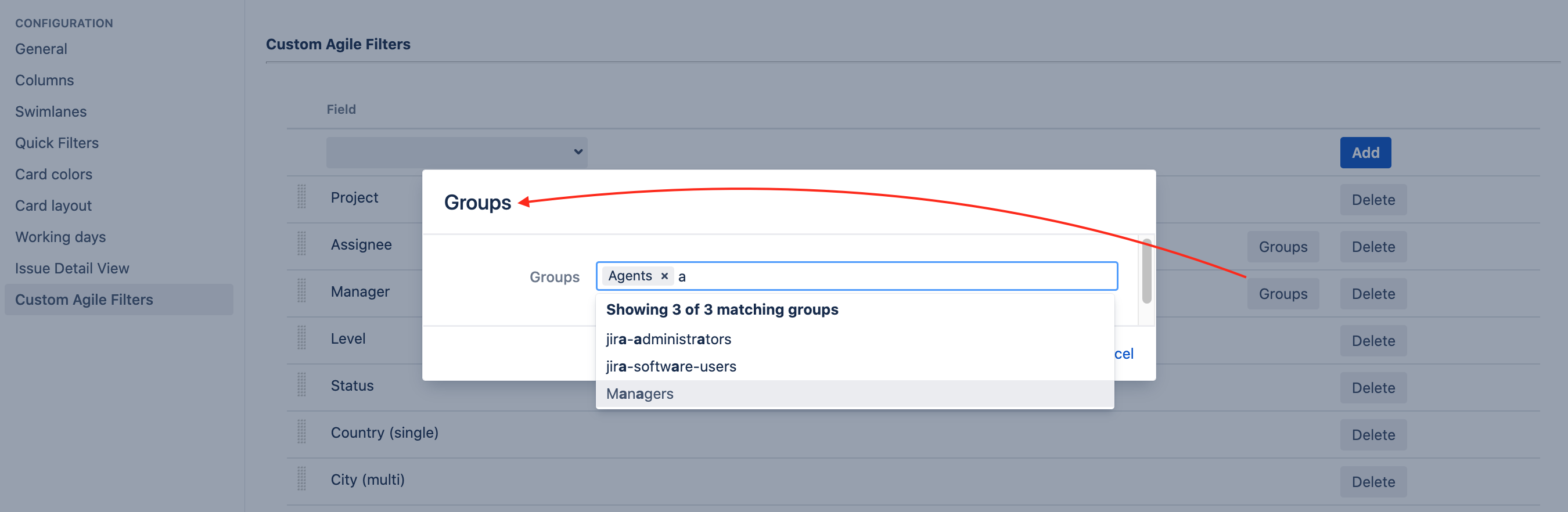
Limit the search to user groups
Note, that can also add group permissions for field User picker type.
-
Click on the "Groups" button;
-
Select the groups that will limit the list of users.