
There are several predefined types of attributes.
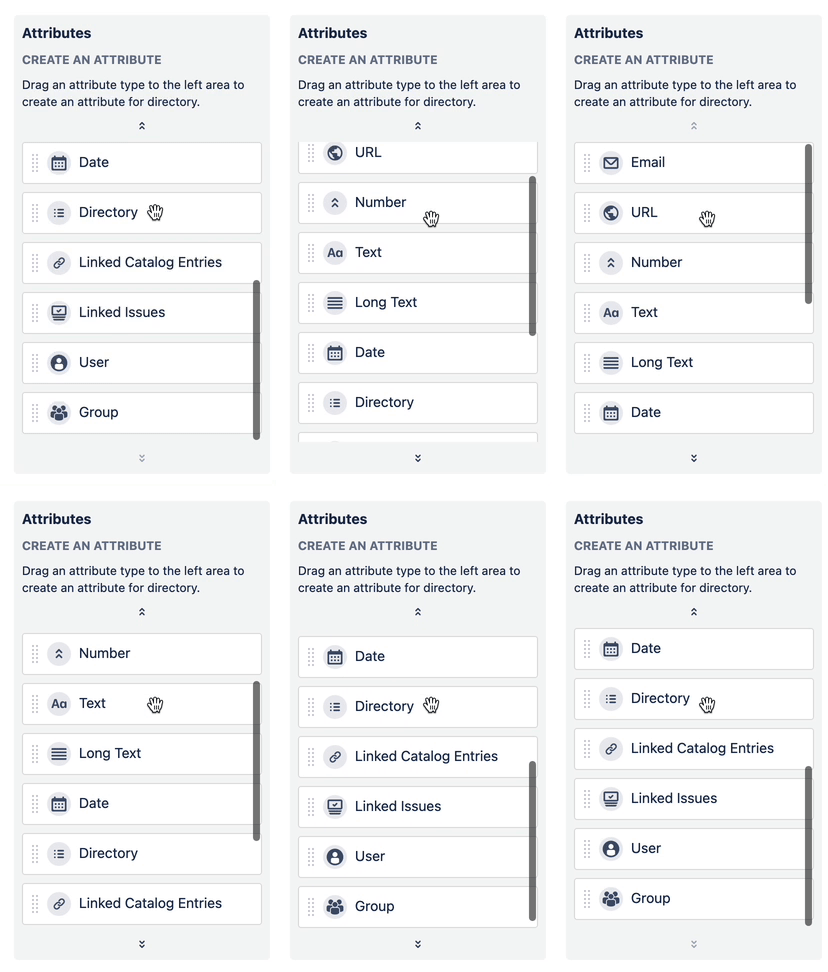
Standard Attributes
Text
Description: A text field is an input that allows a user to write or edit text. Single-line, unlimited characters.
Sorting: alphabetically
Filtering:
-
is equal to
-
is not equal to
-
starts with
-
contains
-
does not contain
-
ends with
-
is null
Long Text
Description: A text field is an input that allows a user to write or edit text. Multi-line, unlimited characters.
Sorting: alphabetically
Filtering:
-
is equal to
-
is not equal to
-
starts with
-
contains
-
does not contain
-
ends with
-
is null
Email
Description: An attribute to store the email address. Contains standard validation of the email address.
Sorting: alphabetically
Filtering:
-
is equal to
-
is not equal to
-
starts with
-
contains
-
does not contain
-
ends with
-
is null
Number
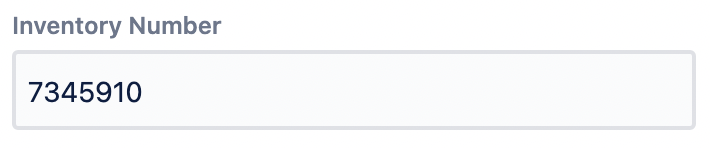
Description: An attribute to store a number – integer/float, positive/negative.
Sorting: numerically
Filtering:
-
greater then
-
greater than or equal to
-
is equal to
-
less than
-
less than or equal to
-
is null
Date

Description: An attribute to select a date from the calendar.
Sorting: by absolute time
Filtering:
-
is equal to
-
is not equal to
-
is after or equal to
-
is after
-
is before or equal to
-
is before
-
in range
-
is null
-
is not null
URL
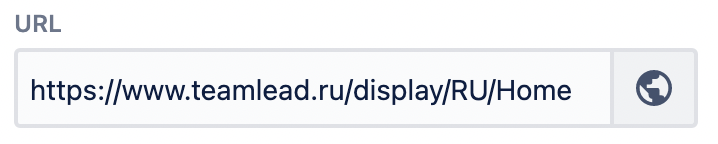
Description: An attribute to input a link to a website. Clickable, URL format validation (http://sitename.domain OR https://sitename.domain)
Sorting: alphabetically
Filtering:
-
is equal to
-
is not equal to
-
starts with
-
contains
-
does not contain
-
ends with
-
is null
User
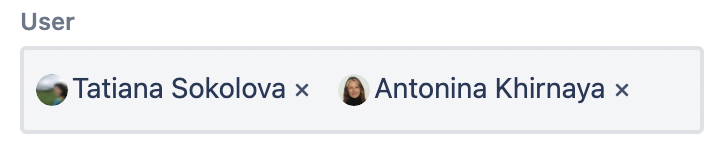
Description: An attribute to select one or more Jira users.
Sorting: n/a
Filtering: as a select-list (via OR)
The attribute behavior considers the global permission 'Browse users and groups'.
Group
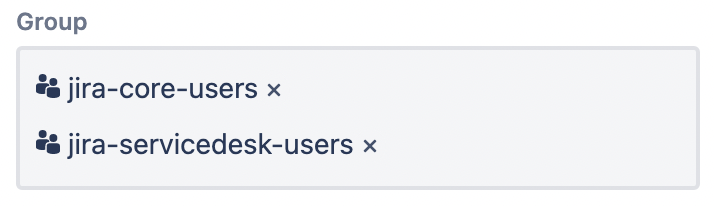
Description: An attribute to select one or more Jira groups.
Sorting: n/a
Filtering: as a select-list (via OR)
The attribute behavior considers the global permission 'Browse users and groups'.
References
The following are the attributes that allow a user to link an entry or to display the particular 'external' objects links in read-only mode.
Directory
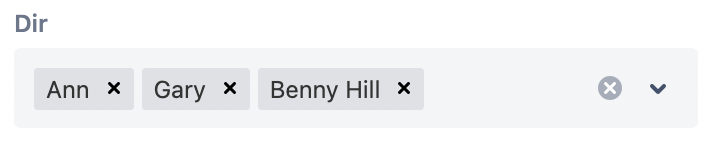
Description: Gives users the ability to make multiple selections from a number of options (entries of the particular directory). Read more: Interlink Universal Directories Objects
Sorting: n/a
Filtering: as a select-list (via OR)
Linked Directory Entries

Description: Displays directory entries linked to the current entry via Directory attribute(s). Read more: Interlink Universal Directories Objects
Sorting: n/a
Filtering: as a select-list (via OR)
Linked Issues

Description: A read-only attribute that displays issues linked to the current entry via Universal Directories Select custom field(s). Read more: Link Issues And Universal Directories Objects
Sorting: n/a
Filtering: as a select-list (via OR)