
Overview
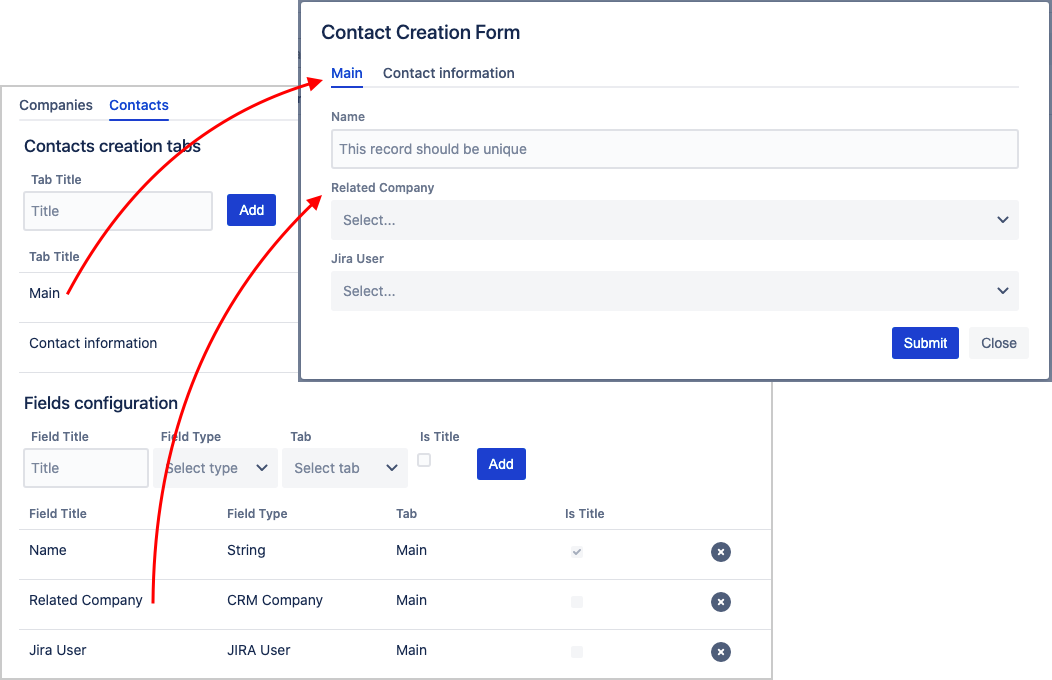
Each directory can be configured according to your needs. The basic configuration principles are the same for all types of directories:
-
add and set up attributes – those are the parameters of an entry, like name, type, etc.
-
place attributes within the entry: change their order and distribute them between tabs (also configurable)
Step-by-step
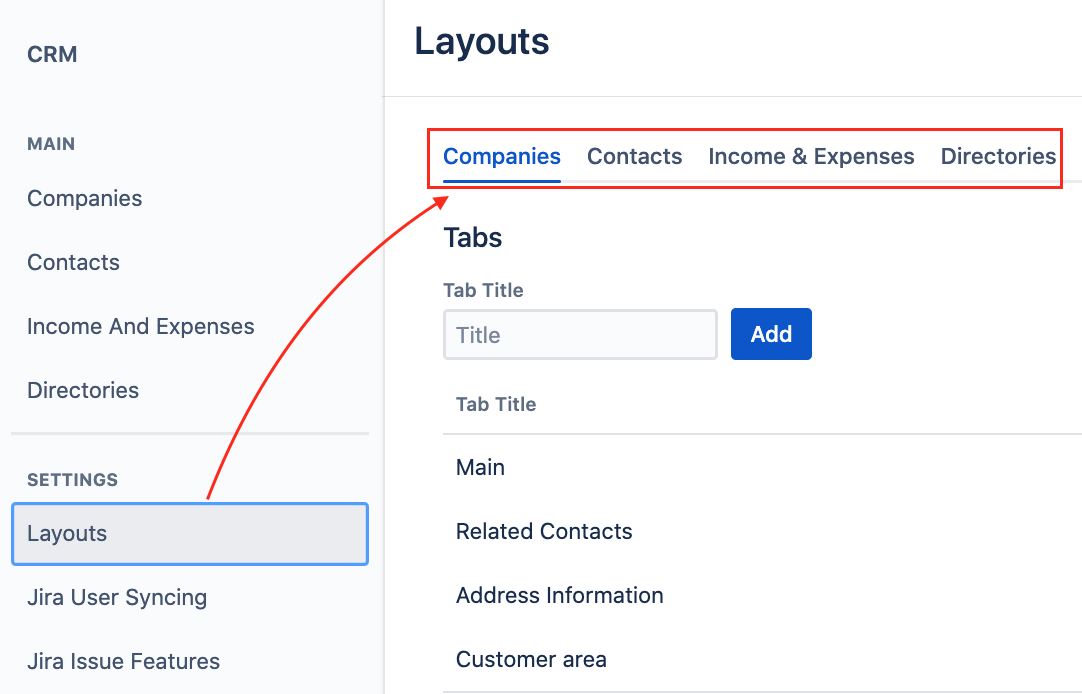
Navigate to Settings → Layouts and select a directory you are setting up.
Manage tabs:
-
add a new tab
-
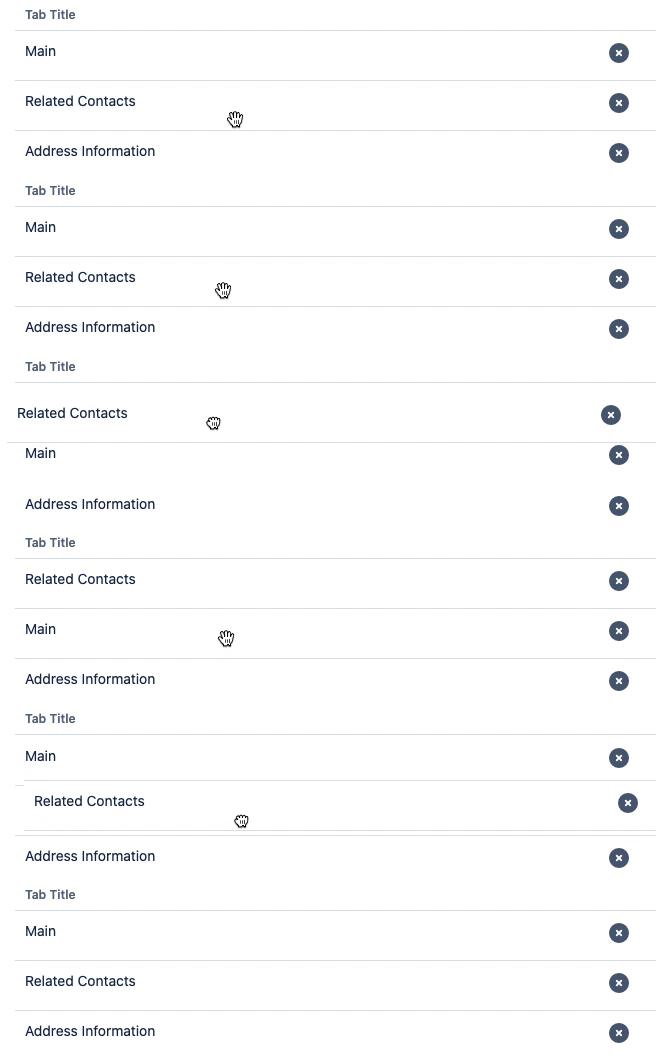
order tabs by drag-and-drop
-
delete a tab
You will not be able to delete a tab if it contains attributes. Delete the relevant attribute or change their placing in advance.
Manage attributes:
-
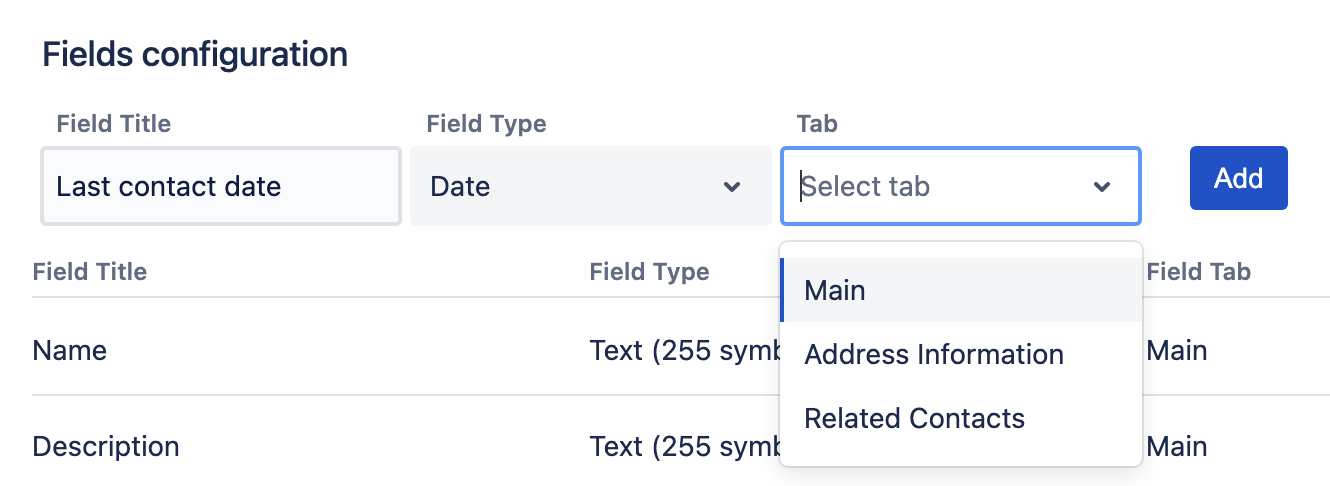
add a new attribute:
-
specify the name
-
select a type of attribute
-
define a tab
-
-
order attributes by drag-and-drop
-
delete an attribute
Types of attributes
An attribute in CRM entry is almost the same as a field in a Jira issue. The combination of attributes applies to each entry within one directory. Attributes may look different and have specific input types. Add them in different combinations to structure the templates according to your business needs.

|
Attribute |
Description |
Companies |
Contacts |
Income & Expenses |
Directories |
|---|---|---|---|---|---|
Text (255 symbols)
|
This attribute allows users to provide information as free-form text (single line). 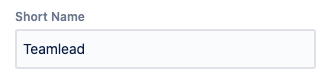
|
|
|
|
|
Textarea (5000 symbols)
|
This attribute allows users to provide information as free-form text (with 5000 symbols). |
|
|
|
|
Date
|
This is an attribute to provide date information using a calendar selection to complete the field. 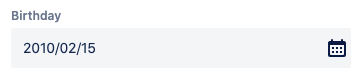
|
|
|
*mandatory, can not be deleted |
|
Number
|
This attribute allows users to provide numerical information. 
|
|
|
|
|
Email
|
This is an attribute to store email-address (mailto: format). It will allow opening a default mail client by clicking to send a mail to the specified address. 
|
|
|
⛔ |
|
URL
|
This is an attribute to specify the clickable link to a website. It consists of two fields in the edit mode:
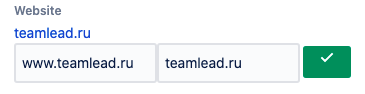
|
|
|
|
|
Checkbox
|
This is an attribute to specify the presence or absence of a particular parameter or compliance with a particular requirement that works as a True/False or a Yes/No mechanism. 
|
|
|
|
|
Directory
|
Field to store some value from specified CRM custom directory. 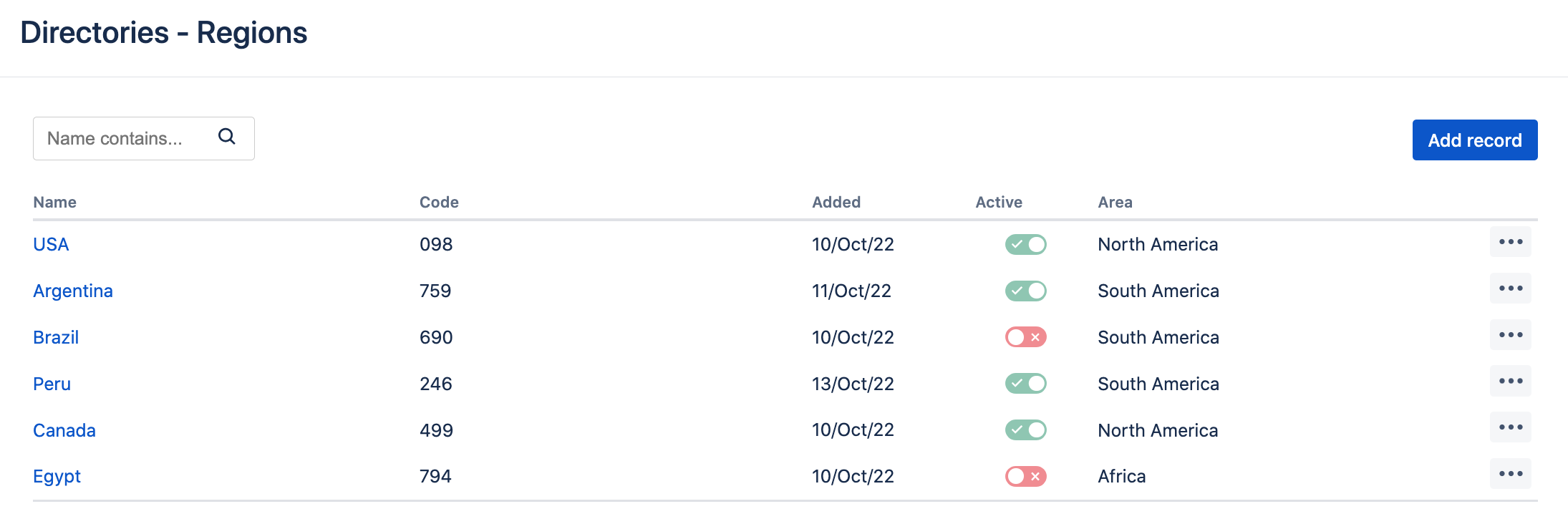
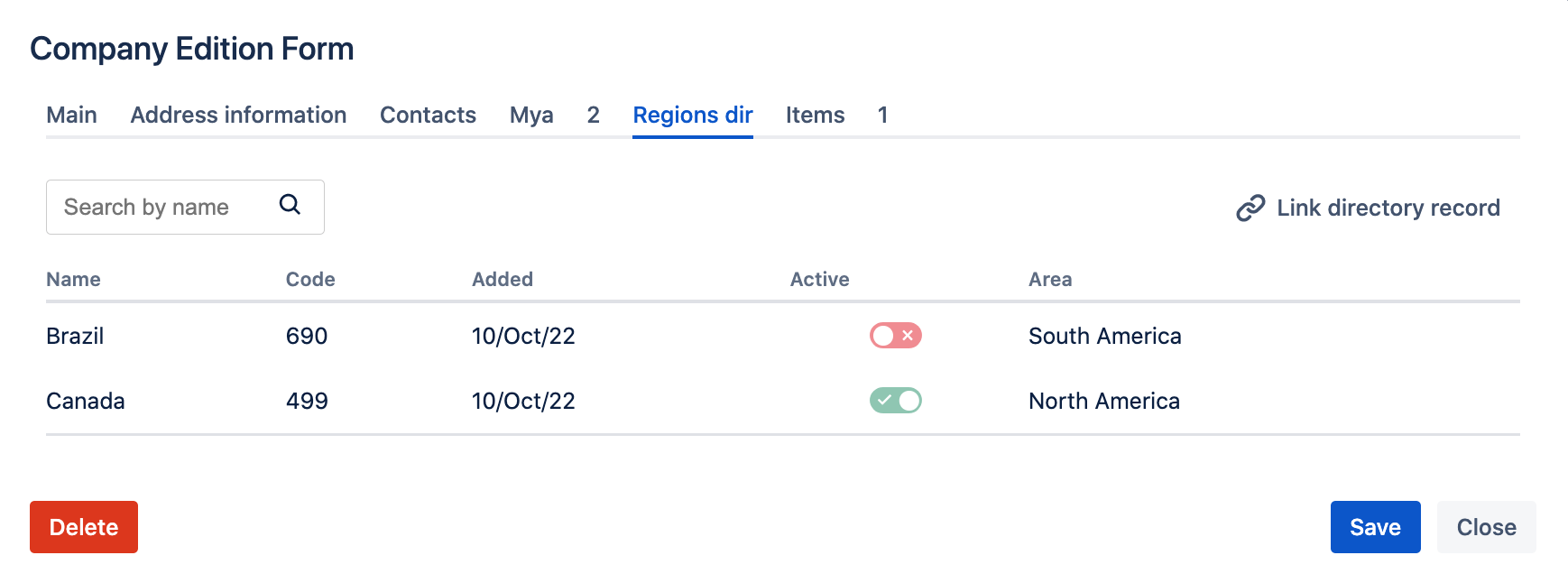
The directory should be specified in the attribute property "Directory". |
|
|
⛔ |
⛔ |
List (single choice)
|
Used for selecting one value from the cascading list. For example, "Company type": Client, Partner, Agency. Possible options should be set up in Layouts, in a field using cogwheel: 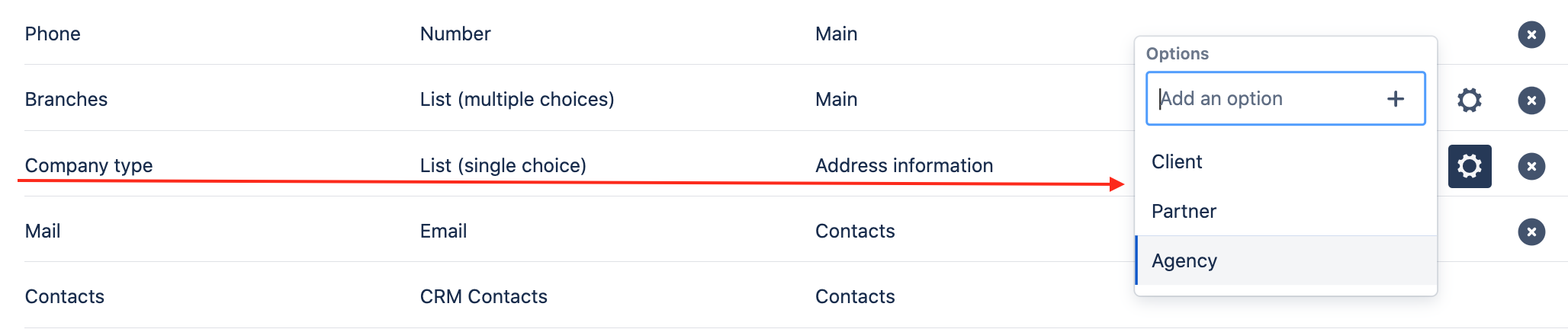
Attribute in the company card: 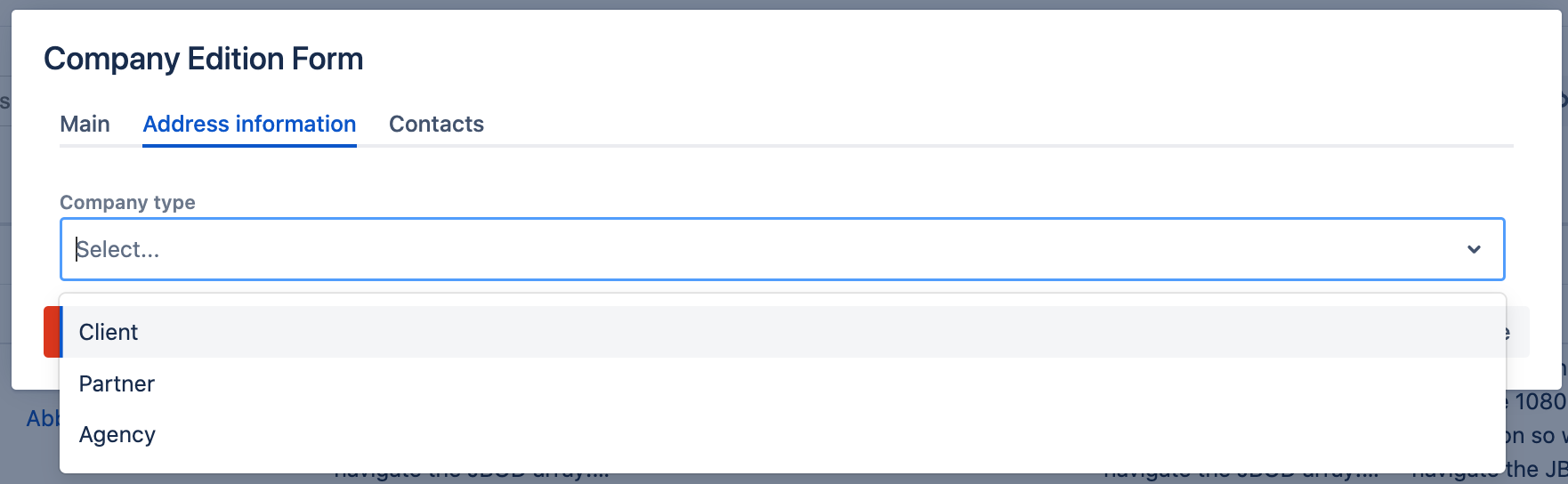
|
|
|
|
|
List (multiple choices)
|
Used for selecting several values from the cascading list. For example, "Devices": Computer, Laptop, Tablet, Mouse, Printer. Possible options should be set up in Layouts, in a field using cogwheel: 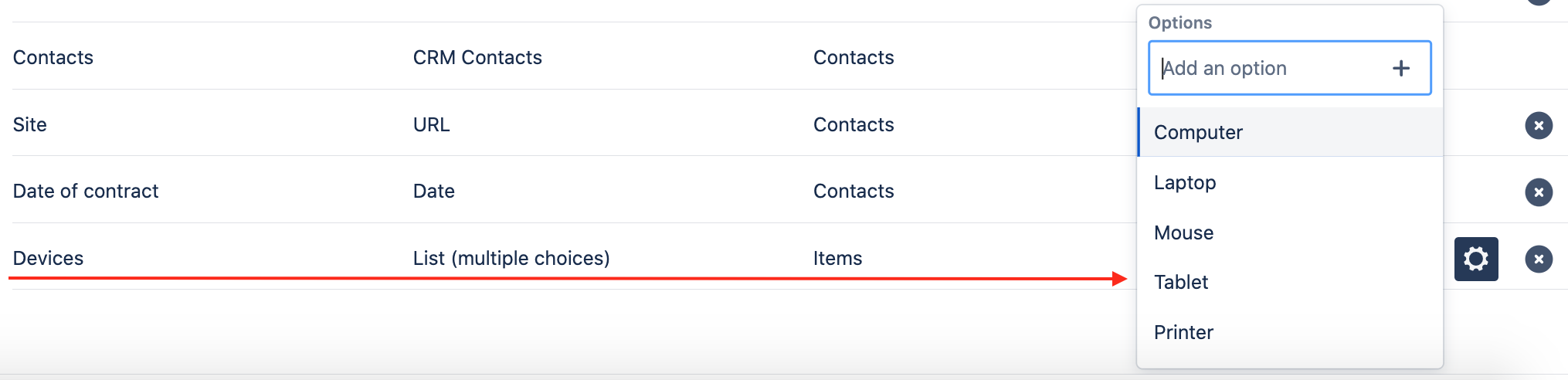
Attribute in the company card: 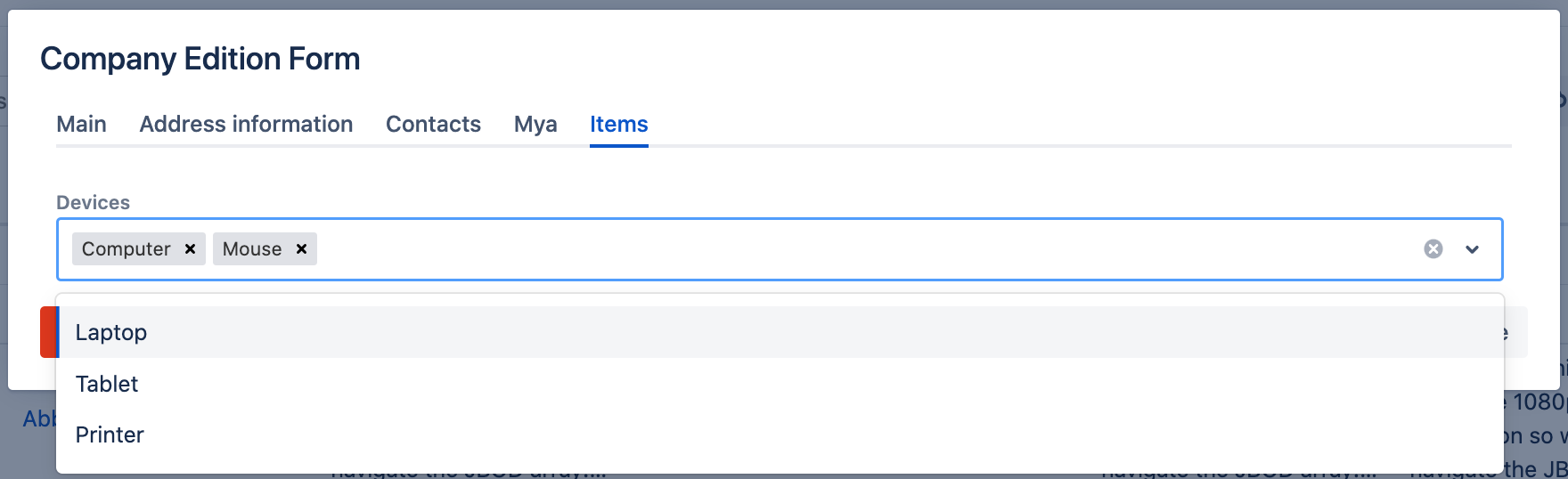
|
|
|
|
|
Jira User
|
This attribute allows linking a Jira user (the link does not affect anything). It provides the list of Jira users to select. 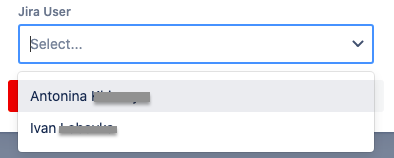
|
⛔ |
|
⛔ |
⛔ |
CRM Company
|
An attribute that provides the list of CRM companies to select from (multi-selection). 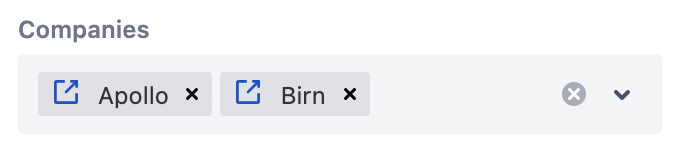
|
⛔ |
|
*mandatory, can not be deleted |
⛔ |
CRM Contacts
|
A read-only attribute that should be added to the Company card. It is only available in the Companies directory configuration and displays all contacts linked to the company. 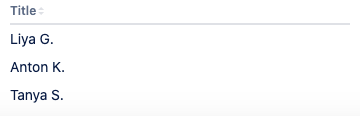
|
|
⛔ |
⛔ |
⛔ |
Linked Issues (multiple choices)
|
An attribute that displays the list of issues linked with the current entry. This attribute is clickable and directs a user to the list of linked issues in the Issue Navigator. 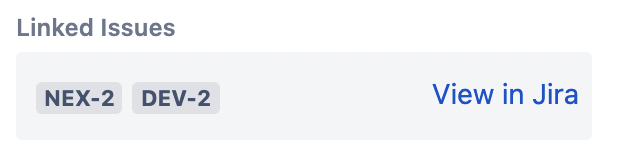
|
|
|
only (single choice) *mandatory, can not be deleted |
⛔ |
Created
|
Used for define date when transaction is being created. Once added, the attribute is being filled automatically.
|
⛔ |
⛔ |
|
⛔ |
Updated
|
Used for define date when transaction is being updated. Once added, the attribute is being filled automatically.
|
⛔ |
⛔ |
|
⛔ |
Est. revenue (number)
|
Mandatory attribute to define estimated revenue that is expected to be get. When type of transaction is Expense, subtract sign will be added automatically. |
⛔ |
⛔ |
*mandatory, can not be deleted |
⛔ |
Revenue (number)
|
Attribute to define actual revenue of a particular transaction. |
⛔ |
⛔ |
*can not be deleted
|
⛔ |
Description (string)
|
Used to take notes, leave comments for a particular transaction. |
⛔ |
⛔ |
*can not be deleted |
⛔ |
Status
|
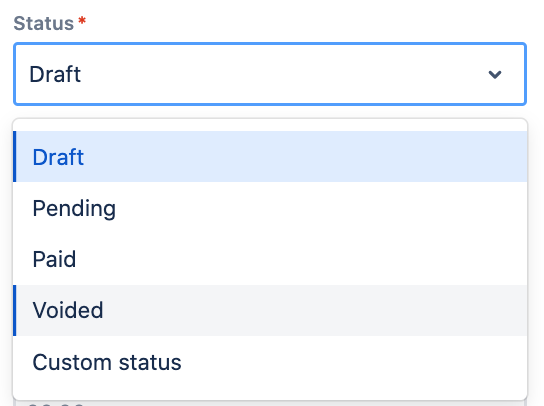
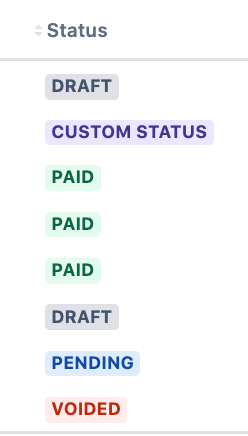
Mandatory attribute that defines the status of transaction. Predefined statuses that can not be deleted: Draft (set as default), Pending, Paid, Voided. Adding new optional statues according to your needs is allowed. Works as a select list (single) with predefined colors:
|
⛔ |
⛔ |
*mandatory, can not be deleted |
⛔ |
Type
|
Mandatory attribute that defines the type of transaction's flow. Two options are available: Income (set as default) and Expense. When type of transaction is Expense, subtract sign will be added automatically. 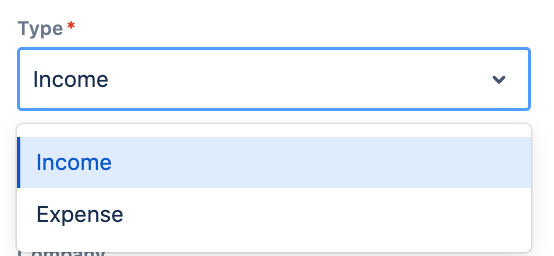
|
⛔ |
⛔ |
*mandatory, can not be deleted |
⛔ |
Stay informed
Subscribe to get the latest updates and explore new product capabilities