
To customize the appearance of elements for agents and customers, follow these steps:
-
Navigate to Project → Addons → Booking for Jira → Calendar Settings and select the Agent/Customer View tab, or
-
Go to Project → Booking for Jira → Calendar Settings and select the Agent/Customer View tab.
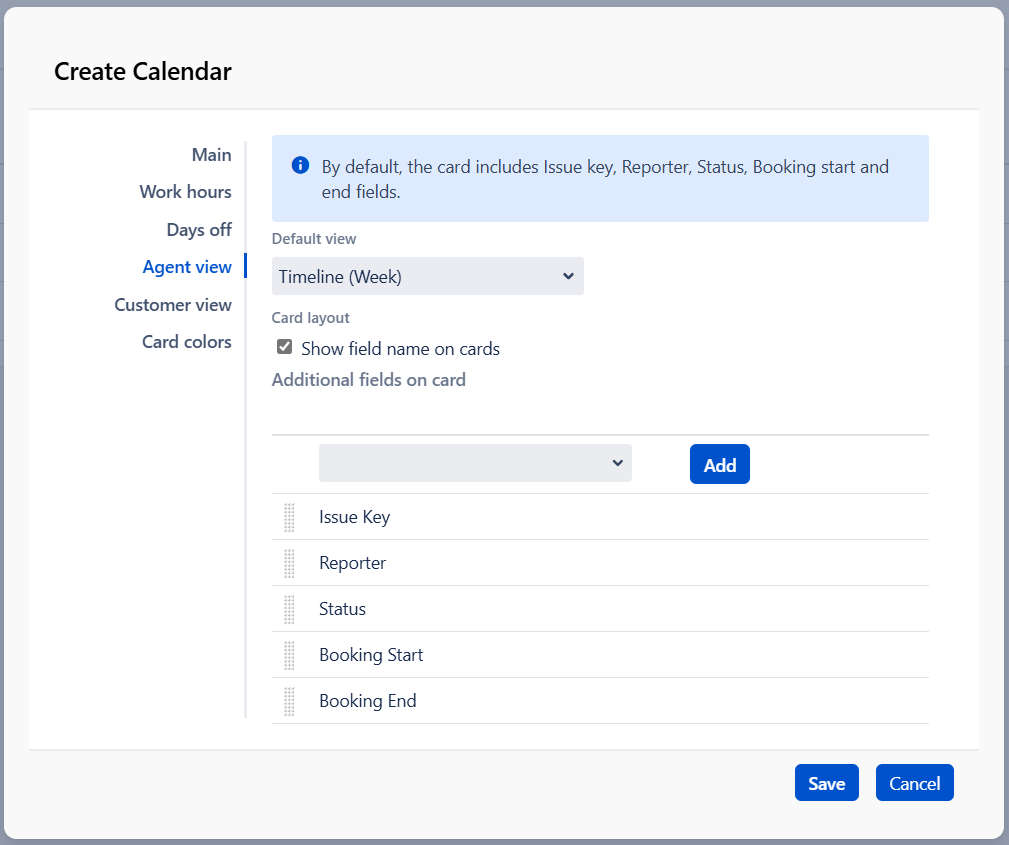
In the Default View section, you can select the type of grid that will be displayed for either agents or customers. Note that the view chosen for Customers will be the only one available to them.
To display custom field names on the card’s preview, check the “show custom field name on cards“ box.
If you want to add additional fields to the preview of your cards (up to 8 fields), use the Additional Fields on Card section:
-
Choose the desired field.
-
Click the Add button.
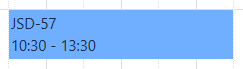
The card on the calendar includes Issue key, Booking start and end fields
By default, the card preview includes:
-
in Customer view - Issue key, Booking start and end fields
-
in Agent view - Issue key, Reporter, Status, Booking start and end fields
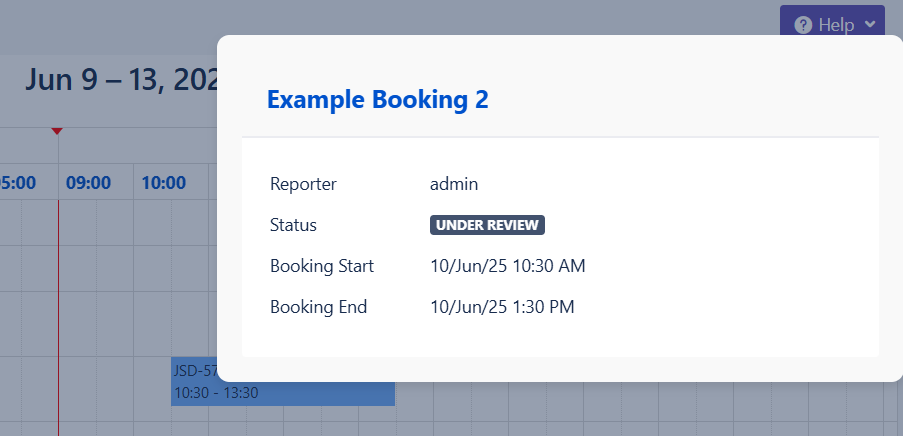
Please note that any fields added to the card in Customer view will be visible to all customers.