.png)
Custom or Non-Jira Events
Adding Custom Non-Jira Calendar Events
Our Calendar for Jira App provides the option to add events directly to your calendar grid, independent of any Jira issues, so-called Non-Jira events (NJE). Use this feature for general announcements, reminders, or team-specific dates!
To get started:
Click on any date slot on the calendar (the slot and not the day’s number).
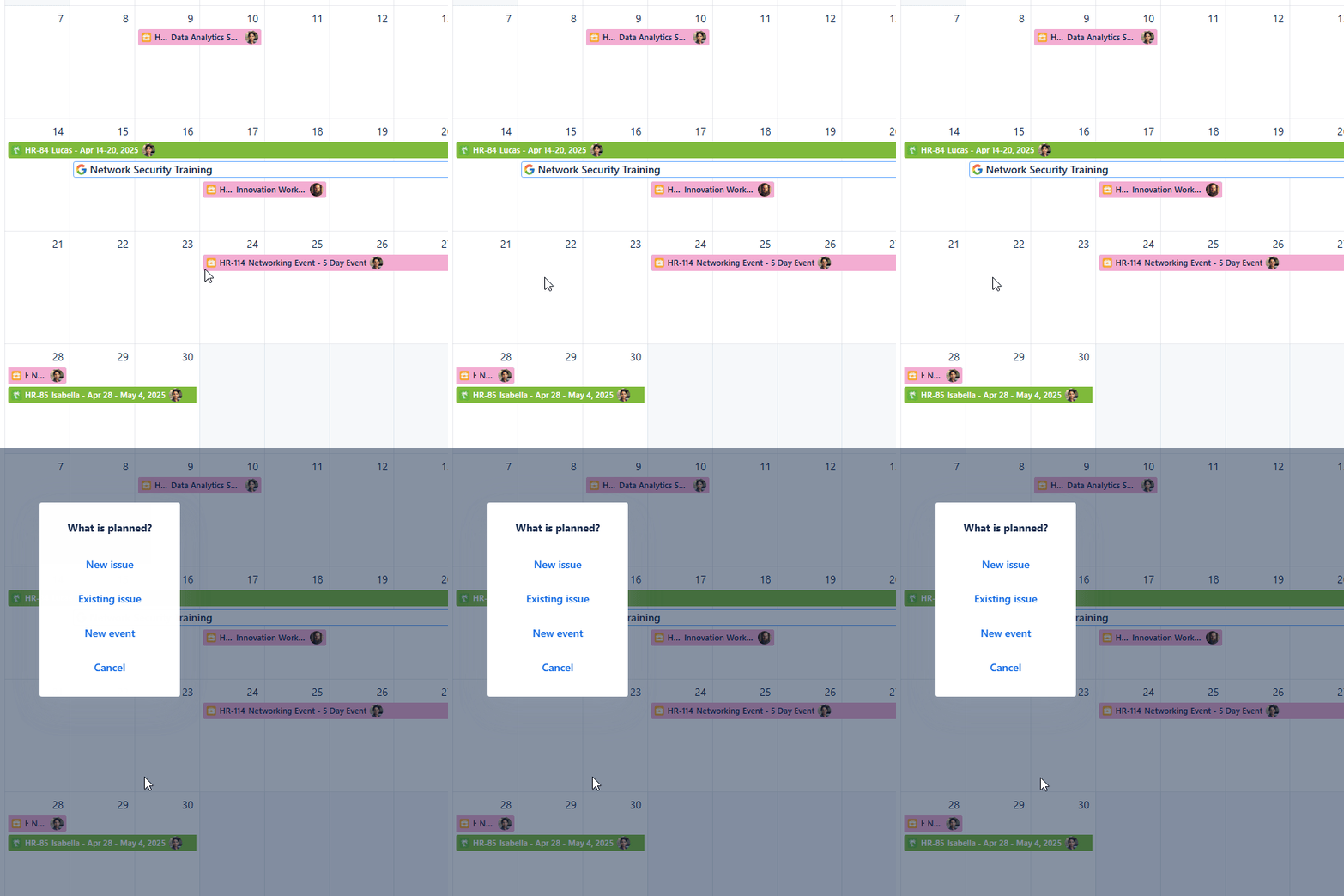
Custom events - Selecting the date
Select New event from the pop-up menu.
In the event creation window, you'll set the following:
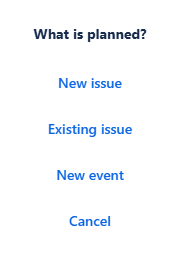
Non-Jira events - Planning pop-up menu
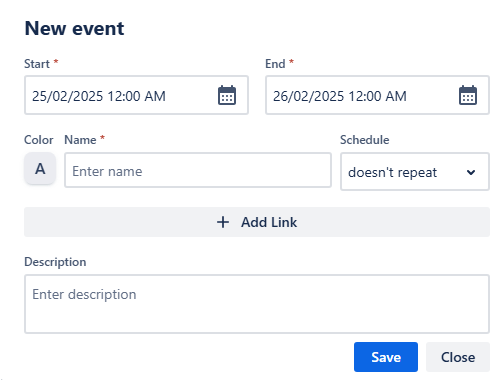
Non-Jira events - Event creation window
Select the Start and End dates and time slots in their respective fields.
Pick a Color for easy identification.
Enter a Name for the event.
Choose if the event doesn’t repeat, repeats weekly or daily. Upon using the reoccurrence option, another field will appear—Ends on. Choose when the reoccurring event will happen for the last time.
Click + Add link to include any relevant URLs.
Write a Description for further context in the description field.
Once you are happy with the details provided and all the required fields are populated, click Save.
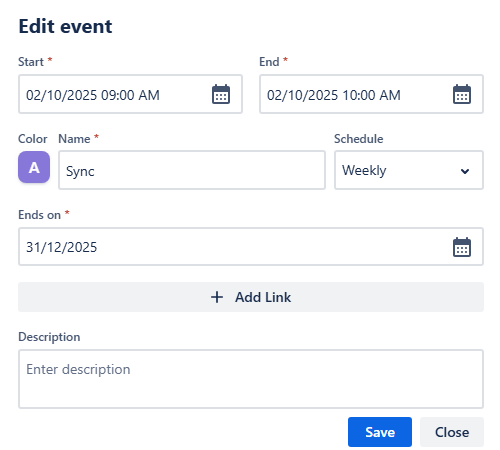
Custom events - New event settings
Your custom event will now be visible on the calendar!
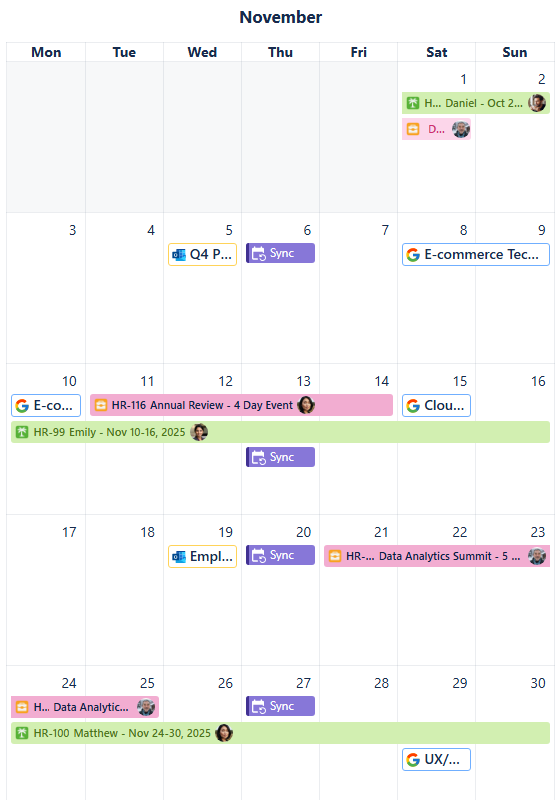
Custom events - Recurring events appearing on calendar grid